At a glance
Speaking commands
In this manual: At a glance
~1min read
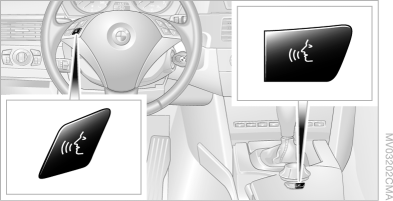
1. Press the button on the center console or on the steering wheel.
 This symbol on the control display and an audible signal indicate that a command can be spoken.
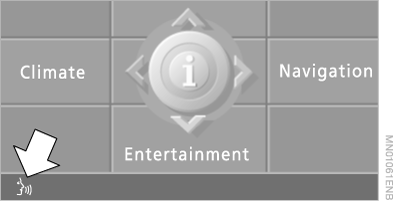
2. Speak the command.
After a command is spoken, it appears at this location as understood by the voice control system.
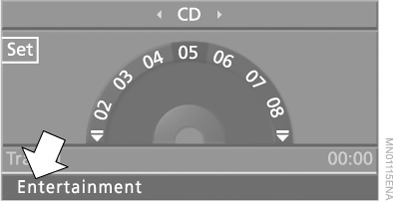
 This symbol appears on the control display when the system is ready to accept the next command.
If no further voice commands are given, continue operating with iDrive.
Test yourself
A quick BMW X5 quiz: every answer comes with an explanation and a link to the manual page.
Was this page helpful?