Entertainment systems
Switching On
In this manual: Entertainment systems
~1min read
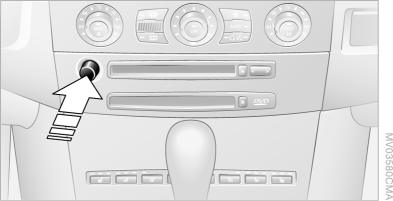
If the unit is off, press this button.
iDrive operating principles
1. Press the button .
The main menu opens.
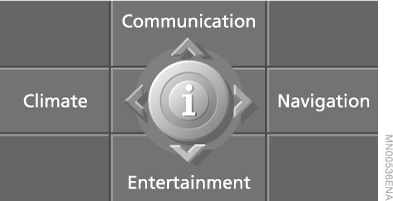
2. Slide the controller back to open the "Entertainment" menu.
3. Select "TV" and press the controller.
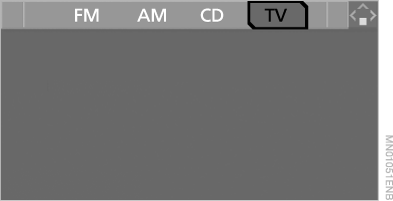
The unit selects the station that was tuned last.
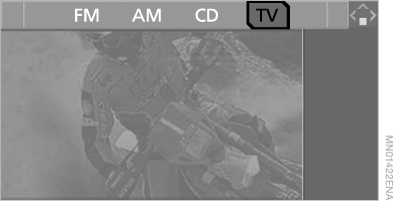
 For your own safety, the TV picture is only displayed at speeds up to 3 km/h.
On some export versions, the TV picture is only displayed when the parking brake is applied. However, the sound is available at all times and can be listened to while driving.
To select another audio source, slide the controller forward.
Test yourself
A quick BMW X5 quiz: every answer comes with an explanation and a link to the manual page.
Was this page helpful?