Multifunction screens
Display settings
In this manual: Multifunction screens
~1min read
Once the "Display settings" menu has been selected, you can gain access to the following settings:
- year,
- month,
- day,
- hour,
- minutes,
- 12 or 24 hour mode.
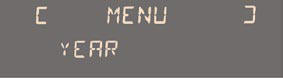
Once you have selected a setting, press the " " or " " buttons to change its value.
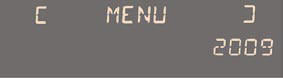
Press the " " or " " buttons to switch respectively to the previous or next setting.
Press the "OK" button to save the change and return to the normal display or press the "ESC" button to cancel.
Test yourself
A quick Citroen DS3 quiz: every answer comes with an explanation and a link to the manual page.
Was this page helpful?