Main menu
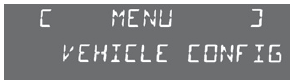
- Press the "MENU" button to enter the main menu, then press the "5" or "6" buttons to scroll through the individual menus:
- radio-CD,
- vehicle configuration,
- options,
- display settings,
- languages,
- units.
- Press the "OK" button to select the required menu.
Radio-CD
When the radio is on, selecting "Radio-CD" lets you turn on or off the radio functions (RDS station tracking, REG mode) or CD functions (introscan, random playback, CD repeat).
For detailed information on the "Radio-CD" application, refer to the "Audio system" section.
Vehicle configuration
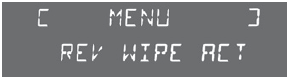
The "Config vehic" menu allows you to turn the following features on or off:
- wiper linked to reverse gear (see the "Visibility" section),
- follow-me-home lighting (see the "Visibility" section),
- parking assistance (see the "Driving" section).
From this menu you can also reinitialise the low tyre pressure detection system (see the "Safety" section).
Options
Selecting the "Options" menu lets you open the diagnostic program that checks the status of equipment (active, inactive, fault).
Display settings
The "Display Configuration" menu gives access to the following settings:
- year,
- month,
- day,
- hour,
- minutes,
- 12- or 24-hour mode.
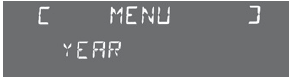
- After selecting the required setting, press the "7" or "8" buttons to change the values.
- Press the "5" or "6" buttons to move to the next or previous setting, respectively.
- Press the "OK" button to save the change and return to the current display, or press the "Back" button to cancel.
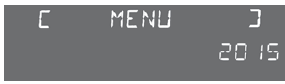
Setting the date and time
- Press the MENU button.
- Select "Display Configuration" using the "5" or "6" buttons.
- Press "OK" to confirm the selection.
- Select the "Year" setting using the "5" or "6" buttons.
- Press "OK" to confirm the selection.
- Set the required value using the "7" or "8" buttons.
- Press "OK" to confirm the selection.
- Repeat the procedure to set the "Month", "Day", "Hour" and "Minutes" settings.
Languages
In the "Choice of language" menu, you can change the display language by selecting it from the list.
Units
The "International parameters" menu allows you to change the following settings:
- temperature (C or F),
- fuel consumption (l/100, mpg or km/l).
Test yourself
A quick Citroen DS3 quiz: every answer comes with an explanation and a link to the manual page.