Controls and features
Switching between panels
In this manual: Controls and features
~1min read
Contents:
 |
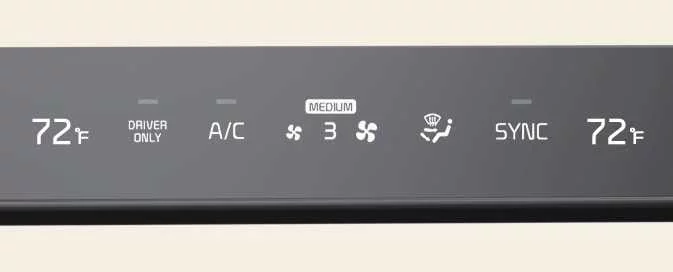 |
Press the Kia EV6 switchable controller button to activate the desired control panel mode.
The selected Kia EV6 control panel icon illuminates and the controller switches to the chosen operating mode.
The Kia EV6 rotary knob display changes automatically according to the selected panel mode.
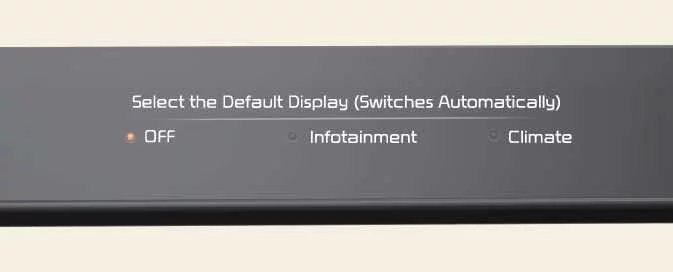 |
Press and hold the Kia EV6 switchable controller button to define the controller’s default operating mode.
After configuration, the Kia EV6 controller automatically returns to the selected default mode after a certain period, even if another control mode was temporarily selected.
If the default mode is configured as OFF, the Kia EV6 controller returns to the most recently used operating mode.
How vehicle radio works
Was this page helpful?