Body Electrical System
Smart Key Repair procedures
In this manual: Body Electrical System
10steps
~60min
3/5difficulty
Done 0 of 10
Smart Key
Smart Key Code Saving
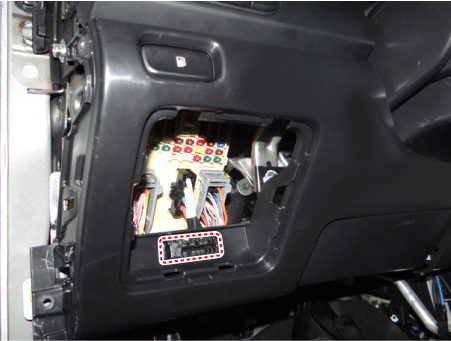
Connect the DLC cable of KDS/GDS to the data link connector (16 pins) in driver side crash pad lower panel, turn the power on KDS/GDS.
Select the vehicle model and then do "Smart key code saving".
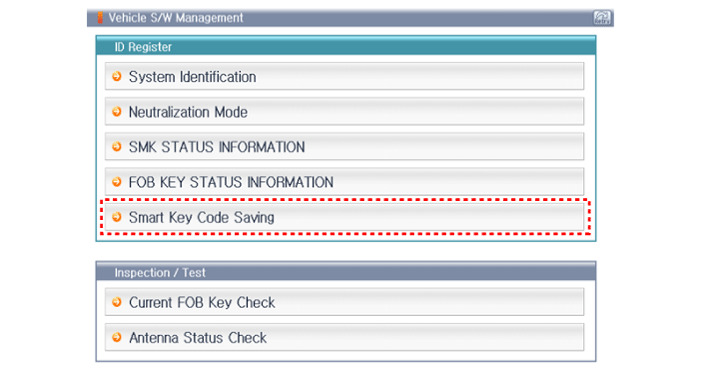
After selecting "Smart key teaching" menu, push "Enter" key, then the screen will be shown as below.
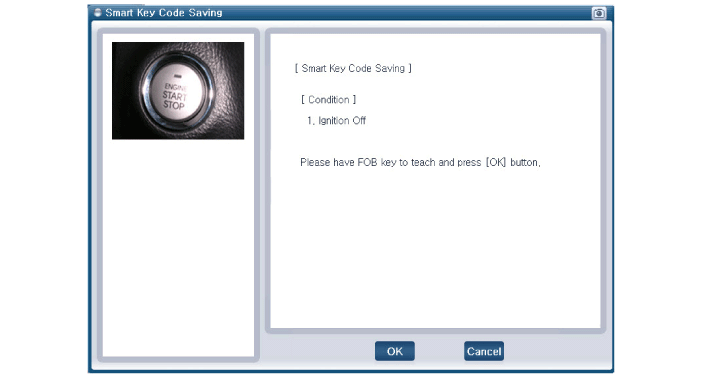
After having the teaching smart key, push "ENTER" key.
Input the "Pin code" for first key teaching.
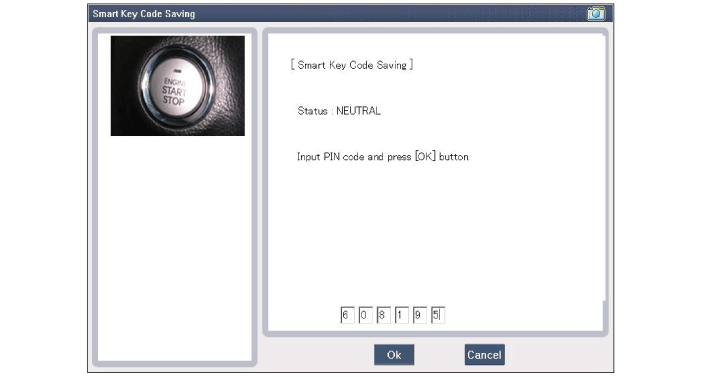
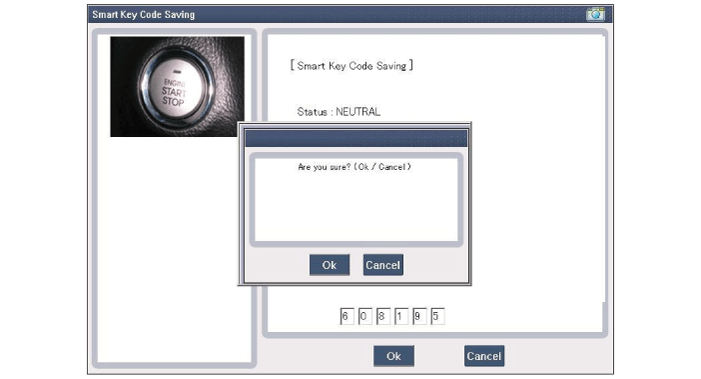
Press the SSB with smart key within 5 sec after pressing "OK".
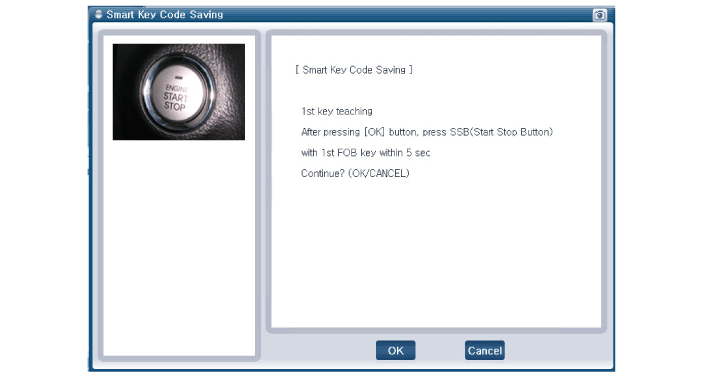
Confirm the message "First key teaching completed".
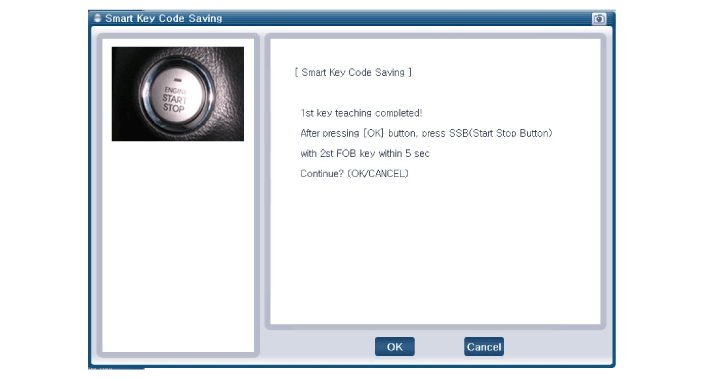
Press the SSB with smart key within 5 sec after pressing "OK".
Confirm the message "Second key teaching completed".
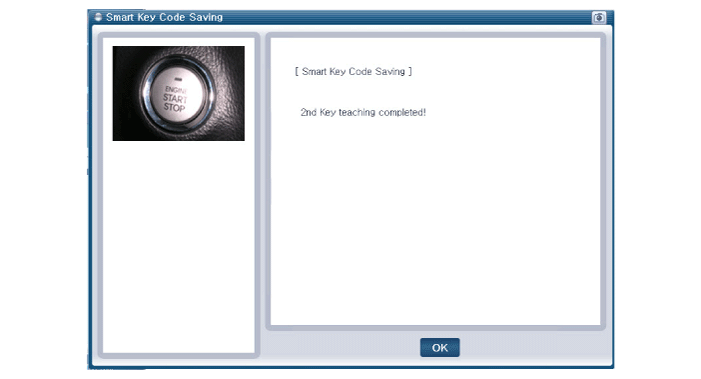
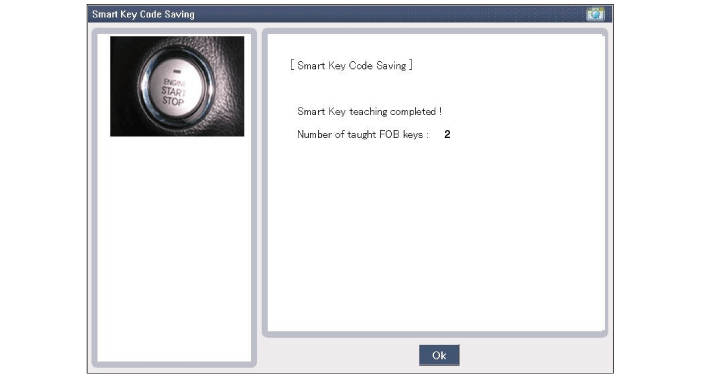
Then the screen will be shown as below when key teaching process is completed.
Was this page helpful?