Warning type
The system will activate when:
1.The system is on
2.Vehicle speed is above 30 km/h
3.Other vehicles are detected in the rear side
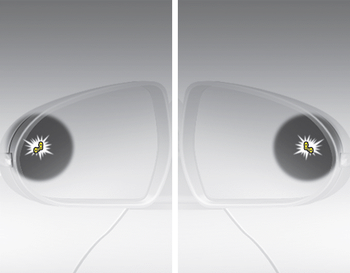
1st stage
If a vehicle is detected within the boundary of the system, a warning light will illuminate on the outside rearview mirror.
If the detected vehicle is not in detection range, the warning will be turned off.
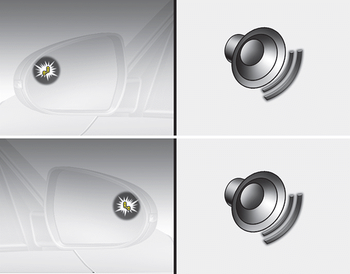
2nd stage
The second stage alarm will activate when:
1. The first stage alert is on
2. The turn signal is on to change a lane
When the second stage alert is activated, a warning light will be blinking on the outside rearview mirror and an alarm will sound.
If you move the turn signal switch to origin position, the second stage alert will be deactivated.
- The second stage alarm can be deactivated.
- To activate the alarm:
Go to the User Settings Mode → Sound and select Blind Spot Detection Sound on the LCD display. - To deactivate the alarm:
Go to the User Settings Mode → Sound and deselect Blind Spot Detection Sound on the LCD display.
CAUTION
The alarm function helps alert the driver. Deactivate this function only when it is necessary