List of storage features
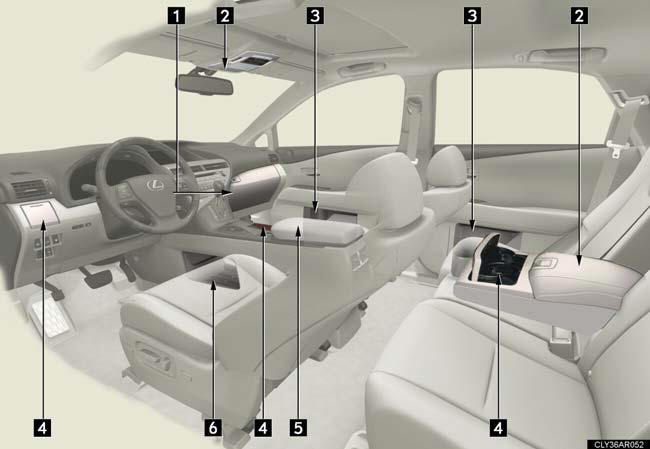
1. Glove box.
2. Auxiliary boxes (if equipped).
3. Bottle holders/door pockets.
4. Cup holders.
5. Console box.
6. Under tray.
Glove box
The glove box can be opened by pressing the lock release button and
locked and unlocked using the mechanical key.
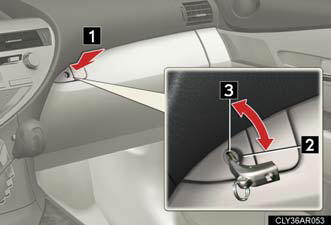
1. Opens.
2. Locks.
3. Unlocks.
Power back door main switch (if equipped)
The power back door main switch is located in the glove box.
Bottle holders/door pockets
- Front
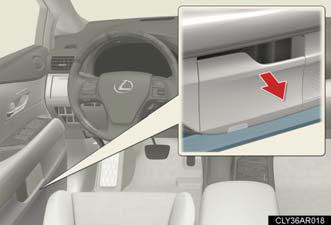
The front door pockets can be
opened and closed.
- Rear
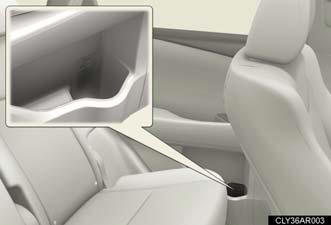
NOTICE:
When stowing a bottle
Put the cap on before stowing the bottle. Do not place open bottles in the bottle
holders. The contents may spill.
Cup holders
- Front (type A)

Press down and release the right
side of the cup holder lid.
- Front (type B)
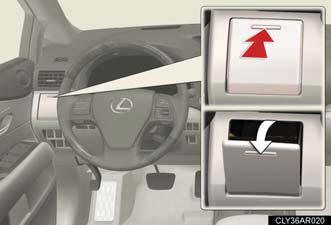
Press in and release the cup
holder.
- Rear
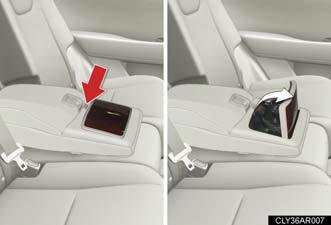
Press down the button on the armrest.
Cup holder insert
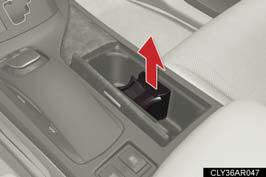
The cup holder insert may be removed for
cleaning.
Console box
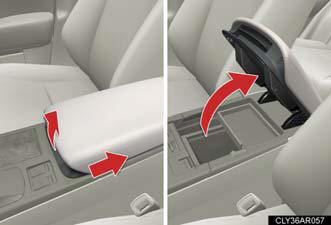
Slide the armrest while pulling up
the lever, and lift the armrest.
Trays in the console box
- Upper tray
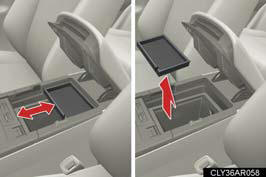
The tray slides forward/backward and can be
removed.
- Lower tray
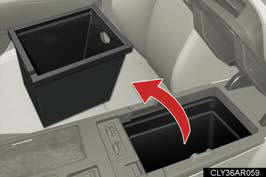
The tray can be removed.
NOTICE:
Trays
Do not insert items exceeding the height of the tray. Doing so may prevent opening
and closing of the lid.
Auxiliary boxes
- Overhead
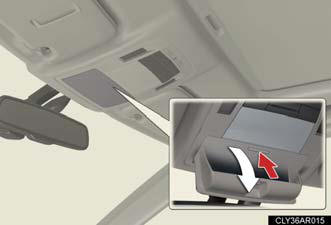
Press in the lid.
This box is useful for temporarily
storing sunglasses and similar small
items.
- Rear seat (if equipped)
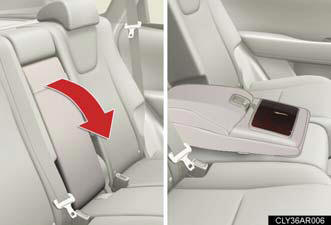
Pull down the armrest.
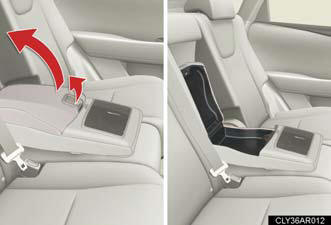
Pull up the lever to release the lock
and lift the armrest.
Under tray
