Interior Features
How to use AUX mode
In this manual: Interior Features
~1min read
1. Select the  icon on the home
screen to display the Entertainment screen.
2. Select  to switch to the AUX
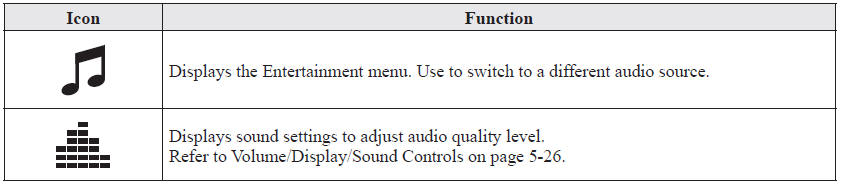
mode. The following icons are displayed in the lower part of the center display.
NOTE
- If a device is not connected to the auxiliary jack, the mode does not switch to the AUX mode.
- Adjust the audio volume using the portable audio device, commander switch, or audio control switch.
- Audio adjustments can also be made using the portable audio device's volume setting.
- If the connection plug is pulled out from the auxiliary jack while in AUX mode, noise may occur.
Test yourself
A quick Mazda 6 quiz: every answer comes with an explanation and a link to the manual page.
Was this page helpful?