Driver Information & Multimedia
Warning Chime System :: Basic Inspection. Diagnosis and Repair Workflow
In this manual: Driver Information & Multimedia
~1min read
OVERALL SEQUENCE
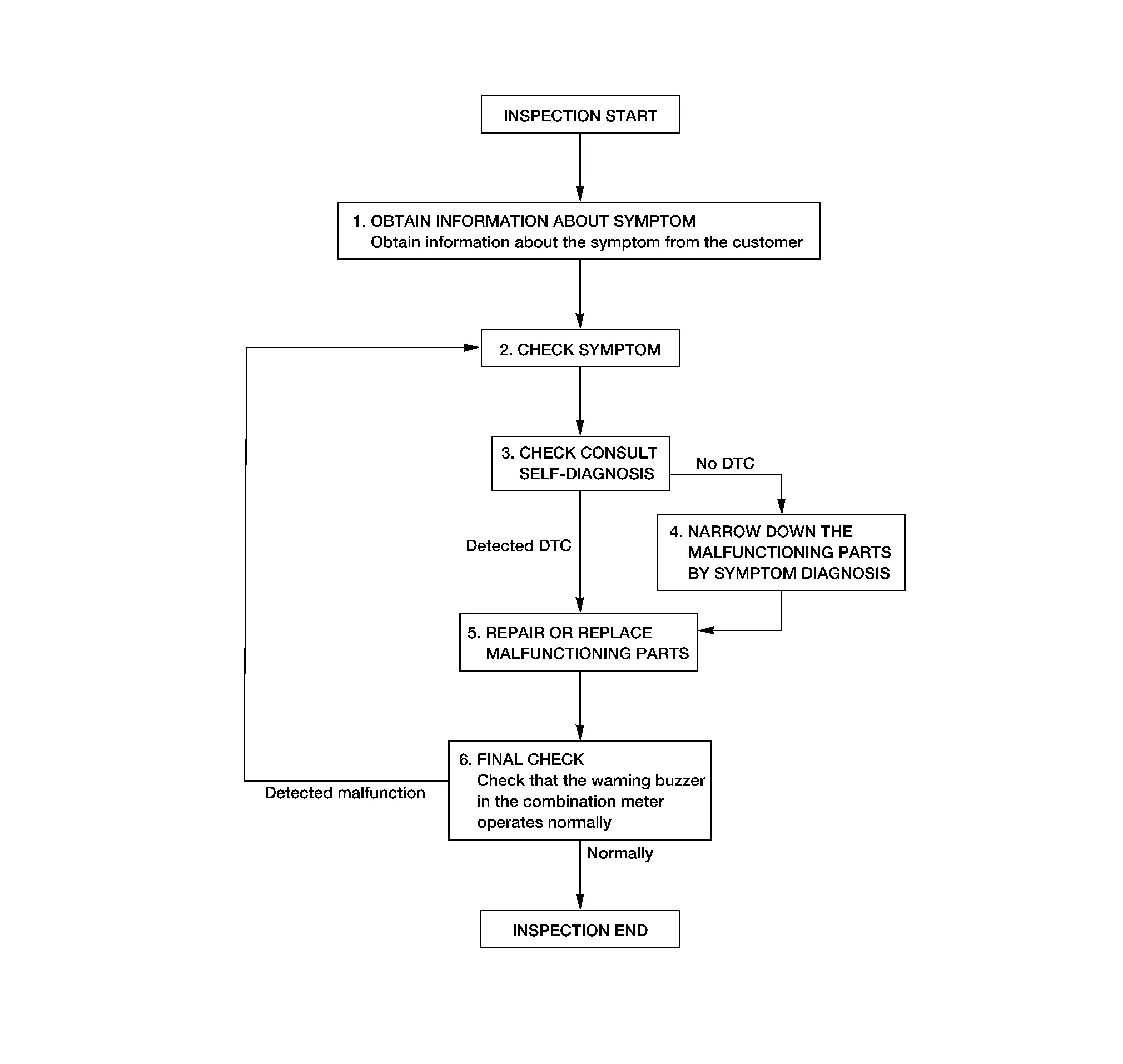
DETAILED FLOW
OBTAIN INFORMATION ABOUT SYMPTOM
Interview the customer to obtain as much information as possible about the conditions and environment under which the malfunction occurred.
>>GO TO 2.
CHECK SYMPTOM
Check the symptom based on the information obtained from the customer.
Check if any other malfunctions are present.
GO TO 3.
CHECK CONSULT SELF DIAGNOSIS RESULT
 CONSULT
Select "Self Diagnostic Result" mode of "METER/M&A". Refer to DTC Index.
Is the inspection result normal?
YES>>GO TO 4.
NO>>GO TO 5.
NARROW DOWN MALFUNCTIONING PARTS BY SYMPTOM DIAGNOSIS
Perform symptom diagnosis. Refer to Symptom Table.
>>GO TO 5.
REPAIR OR REPLACE MALFUNCTIONING PARTS
Repair or replace malfunctioning parts.
>>GO TO 6.
FINAL CHECK
Check that the warning buzzer in the combination meter operates normally.
Is the inspection result normal?
YES>>Inspection End.
NO>>GO TO 2.
Was this page helpful?