Interior features
Operating a USB memory
In this manual: Interior features
~1min read
Connecting a USB memory enables you to enjoy music from the vehicle speakers. ■ Connecting a USB memory
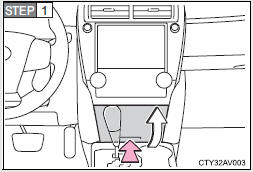

Push the lid.
Open the cover and connect a USB memory.
Turn on the power of the USB memory if it is not turned on.
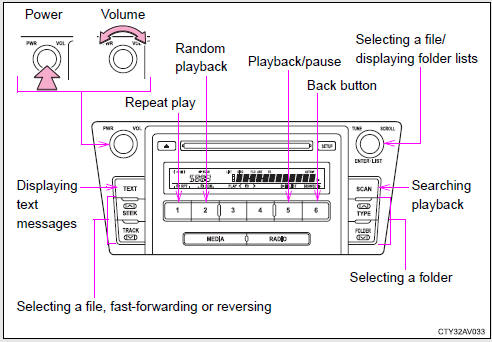
 Press
 repeatedly until “USB” is displayed.
Test yourself
A quick Toyota Camry quiz: every answer comes with an explanation and a link to the manual page.
Was this page helpful?