General body repairs, interior
Removing and installing centre console insert
In this manual: General body repairs, interior
~1min read
Special tools and workshop equipment required |
Removing
|
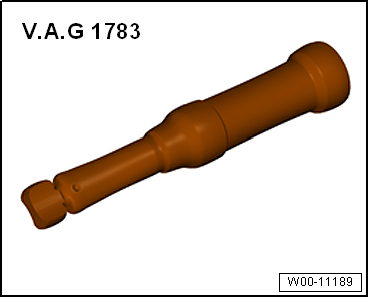 |
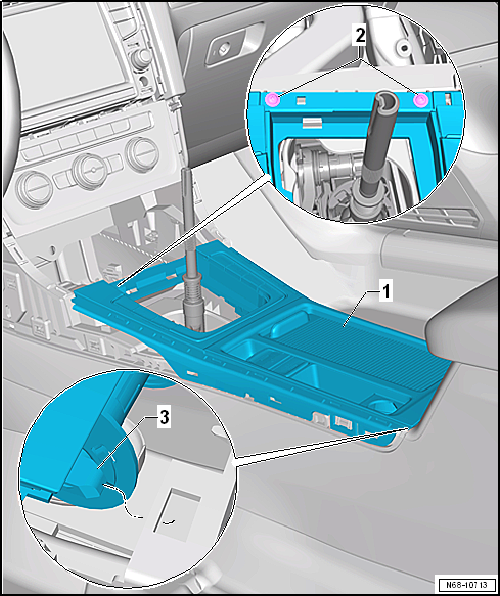
- Remove bolts -2-.
- Unclip centre console insert -1- upwards from centre console.
 Note Increased resistance will be encountered when unclipping centre console insert from centre console.
- Carefully lift up centre console insert and disconnect connectors.
- Carefully pull centre console insert towards front until locating lug -3- is released. Carefully guide centre console insert over selector lever/gear lever and remove it.
Installing Note
Before installing, check all fasteners for damage and renew if necessary.Installation is carried out in reverse order.Specified torques
|
Test yourself
A quick Volkswagen Golf quiz: every answer comes with an explanation and a link to the manual page.
Was this page helpful?