Setting the time
1. Turn the controller to select „Clock / Date“ and press the controller.

2. Push the controller forward to move to the upper field.
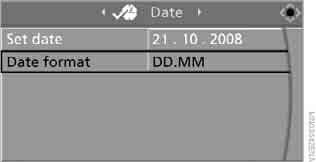
3. Turn the controller to select „Clock“ and press the controller.
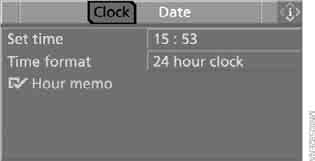
4. Turn the controller to select „Set time“ and press the controller.
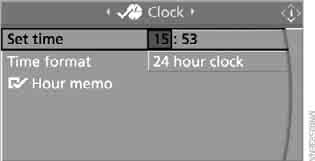
Making the settings
1. Turn the controller to set the hours and press the controller.
2. Turn the controller to set the minutes and press the controller.
The new setting is saved in memory.
Activating the hourly chime
Chimes sound shortly before the full hour.
Select „Hour memo“ and press the controller.
 The hourly chime is activated.
This setting is stored in the memory for the key currently in use.
Selecting the time display mode
1. Select „Time format“ and press the controller.
2. Select the desired mode and press the controller.
This setting is stored in the memory for the key currently in use.
Test yourself
A quick BMW X3 quiz: every answer comes with an explanation and a link to the manual page.