Operation
Viewing Stored Messages
In this manual: Operation
~1min read
1. Press and hold the button – the first message appears on the display.
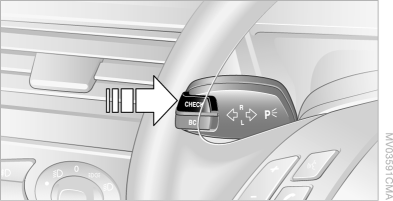
2. Press and release the button – each press displays the next message.
Displaying additional information
iDrive operating principles
1. Press the button .
The main menu opens.
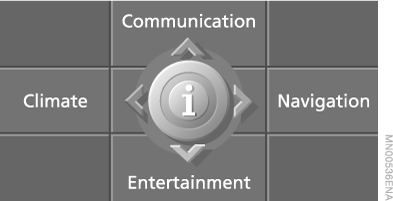
2. Press the controller to open the menu .
3. Select "Service" and press the controller.
4. Select "Check Control messages" and press the controller.
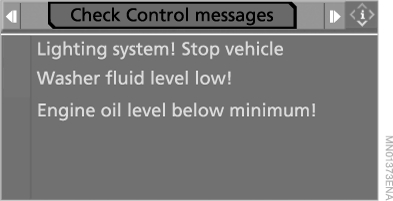
5. Select a message and press the controller.
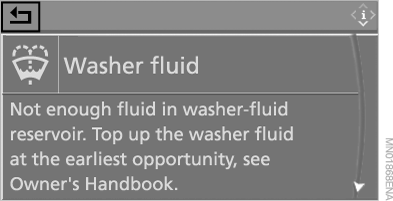
To close this menu, select and press the controller.
Test yourself
A quick BMW X5 quiz: every answer comes with an explanation and a link to the manual page.
Was this page helpful?