Remote control settings
You can lock the remote control function or make the sound played through the loudspeakers also audible in the headphones.
Locking the controls:
iDrive operating principles
1. Press the button .
The main menu opens.
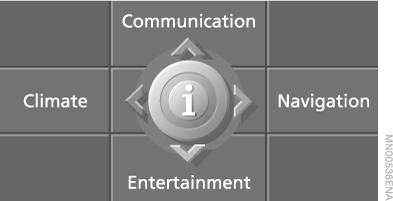
2. Press the controller to open the menu .
3. Select "Vehicle settings" and press the controller.
4. Select "Enable rear menu" and press the controller.
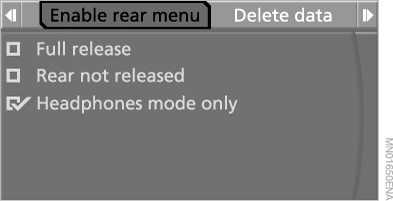
5. Select the setting and press the controller.
► Locking the menu:
"Rear not released" (rear menu locked).
► Locking the loudspeaker control:
"Headphones mode only".
► Releasing the lock:
"Full release".
To hear the audio device played through the loudspeakers in the headphones:
1. Open the source menu with the button .
2. Slide the controller back to open the "Entertainment" menu.
3. Press the controller.
The following menu items appear on the screen.
4. Select "Headphones" and press the controller.
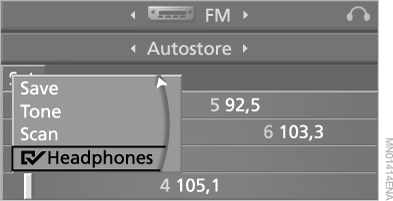
 The loudspeakers and headphones play the sound of the same audio device.
Test yourself
A quick BMW X5 quiz: every answer comes with an explanation and a link to the manual page.