Navigation—Entering a Destination
Enter your destination using one of several methods, then follow route guidance on the map or guidance screen to your destination. You can also perform these steps using 
voice control.
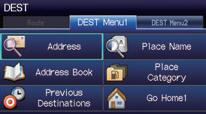
1 Press the DEST button.

2 Select Address.
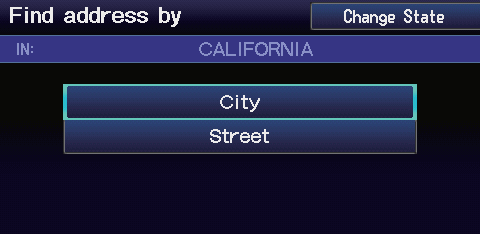
3 Select Street.
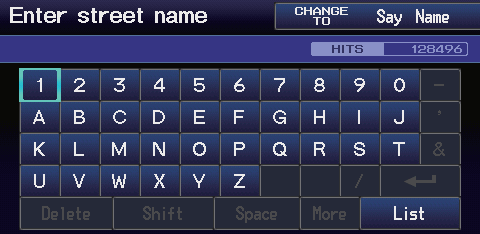
4 Enter the name of your destination street and select List if necessary.
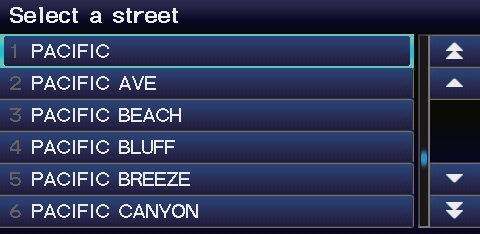
5 Select your destination street from the list.
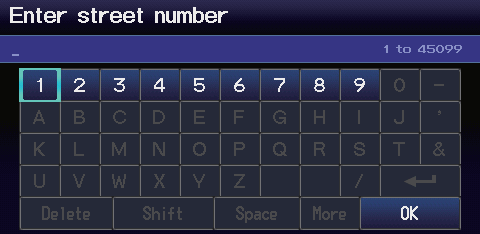
6 Enter the street number. Select OK when finished.
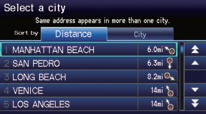
7 If there is more than one city with the specified street, a list of cities is displayed. Select the desired city from the list.
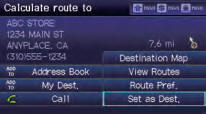
8 Select Set as Dest.
Route guidance to the destination begins.
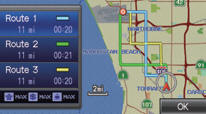
►View Routes: Choose one of three routes.
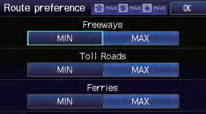
►Route Pref.: Choose MAX or MIN for the three settings.
Test yourself
A quick Honda Fit quiz: every answer comes with an explanation and a link to the manual page.