Second generation (2007-2026)
Address Book
In this manual: Second generation (2007-2026)
~1min read
 DEST button
► Address Book
Select an address stored in your address book to use as the destination.
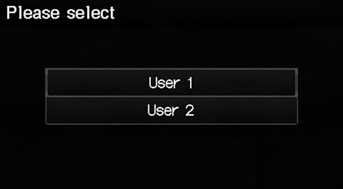
1. Select your user name.
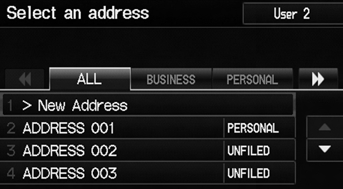
2. Select your destination from the list.
3. Set the route to your destination.
► Select  or
 to display only
the entries in a category: ALL, BUSINESS, PERSONAL, or other categories you have created.
If you have PIN-protected your address book, enter your PIN when prompted. Select OK. PINs are optional.
You can select New Address on the Select an address screen to add an entry to the address book.
To switch the list between User 1 or User 2, select the user name on the top right of the screen.
Test yourself
A quick Honda Fit quiz: every answer comes with an explanation and a link to the manual page.
Was this page helpful?