Second generation (2007-2026)
Selecting a Destination on the Map
In this manual: Second generation (2007-2026)
~1min read
Select a new destination when en route by selecting a location on the map.
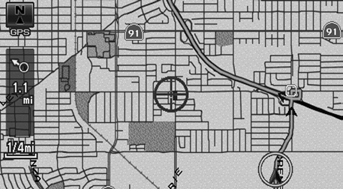
1. Scroll the map to position the cursor over your desired destination, adjusting the map scale as necessary. Press the ENTER button.
► If the address displayed is not the desired location, press the CANCEL/BACK button and repeat the procedure.
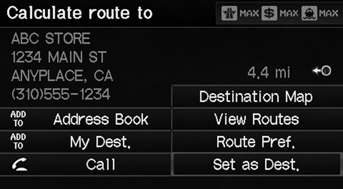
2. Press the ENTER button again. 3. Select a place.
4. Select Set as Dest.
If there is more than one icon or street under the map cursor, you are prompted to select the item from a list.
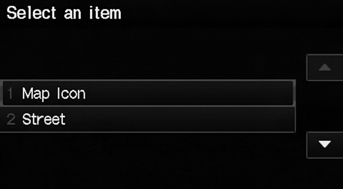
• Select an item.
• If you select Map Icon, select a place.
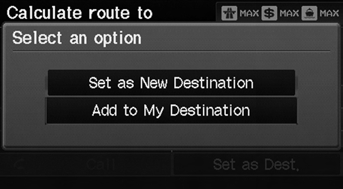
5. Select an option.
► The route is automatically recalculated and displayed on the map screen.
The following options are available:
• Set as New Destination: Sets the location as your new destination. • Add to My Destination: Sets the location as a new waypoint.
Test yourself
A quick Honda Fit quiz: every answer comes with an explanation and a link to the manual page.
Was this page helpful?