Quick Reference Guide
Features
In this manual: Quick Reference Guide
~1min read
Audio system
Models without rear entertainment system
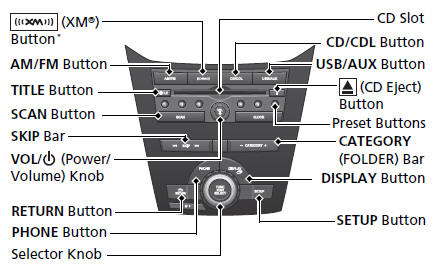
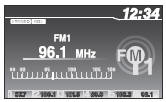
Models with rear entertainment system
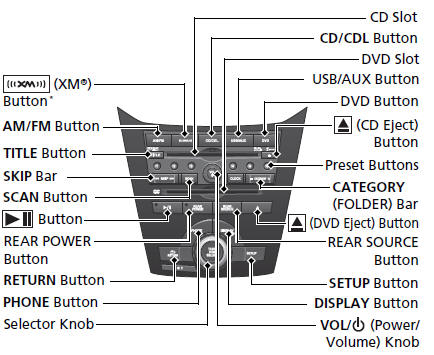
● Audio Remote Controls

● VOL (Volume) Button Press  /
 to adjust the volume up/ down.
● MODE Button
Press and release to change the audio mode: FM1/FM2/AM/XM1*/XM2*/CD/CD-L/ AUX.
● CH (Channel) Button
Radio:Press and release to change the preset station.
Press and hold to select the next or previous strong station.
CD/CD Library/USB device:
Press and release to skip to the beginning of the next song or return to the beginning of the current song.
CD/CD Library:
Press and hold to change a folder/ album.
Was this page helpful?