View Modes
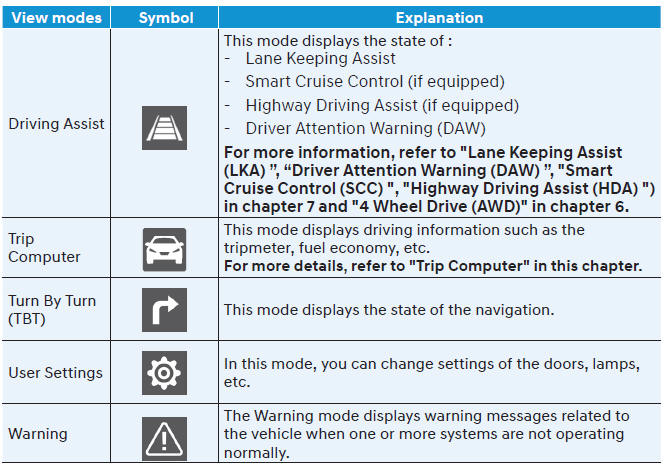
Trip Computer Mode
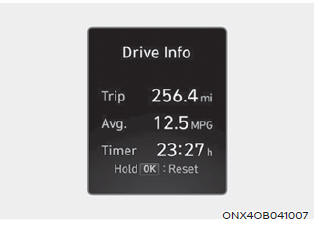
The trip computer mode displays information related to vehicle driving, including fuel economy, odometer data and vehicle speed.
Turn By Turn (TBT) Mode
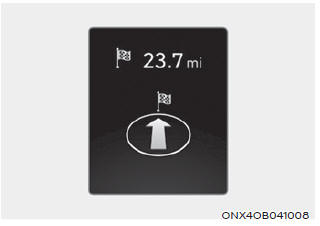
Turn-by-turn navigation, distance/time information to the destination is displayed when the "Turn-by-Turn" view is selected.
Driving Assist Mode
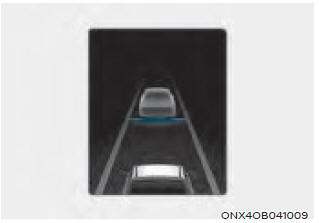
LKA/SCC/HDA
This mode displays the status of Lane Keeping Assist, Smart Cruise Control and Highway Driving Assist.
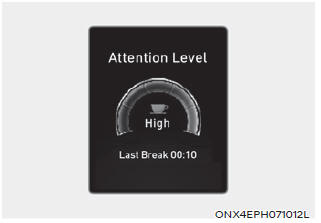
This mode displays the driver attention warning status.
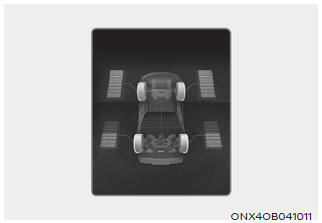
All-Wheel Drive (AWD)
This mode displays information related to All-Wheel Drive.
If the vehicle is in an AWD lock state, this mode is not displayed.
Main Warning Group
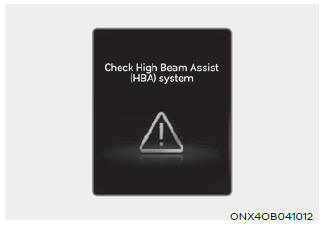
This warning indicator informs the driver of the following conditions.
- Forward Collision-Avoidance Assist malfunction
- Forward Collision-Avoidance Assist radar blocked
- Blind-Spot Collision Warning malfunction (if equipped)
- Blind-Spot Collision Warning radar blocked (if equipped)
- LED headlamp malfunction (if equipped)
- High Beam Assist malfunction (if equipped)
- Smart Cruise Control malfunction (if equipped)
- Smart Cruise Control radar blocked (if equipped)
- Tire Pressure Monitoring System (TPMS) malfunction
The master warning light illuminates when one or more of the above warnings occur.
At this time, the master warning icon ( ) will appear next to the user settings icon (
 ) on the LCD display.
When the warning condition is resolved, the master warning light will turn off and the master warning icon will disappear.
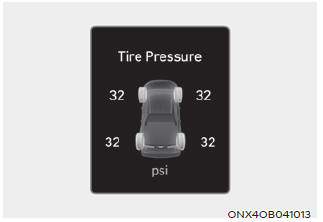
Tire Pressure
This mode displays information related to Tire Pressure.
Test yourself
A quick Hyundai Tucson quiz: every answer comes with an explanation and a link to the manual page.