Changing FCW Status
The FCW feature can be set to far, set to near or turned off in the Electronic Vehicle Information Center (EVIC) refer to “Electronic Vehicle Information Center (EVIC)” in “Understanding Your Instrument Panel” for further information.
The FCW Status Off, Near or Far will be displayed in the EVIC.
FCW settings can only be changed when the vehicle is in PARK.
The default status of FCW is the “Far” setting, this allows the system to warn you of a possible collision with the vehicle in front of you when you are farther away. This gives you the most reaction time.
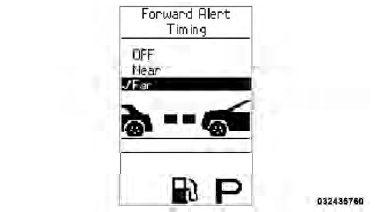
Example Only
Changing the FCW status to the “Near” setting, allows the system to warn you of a possible collision with the vehicle in front of you when you are much closer. This setting provides less reaction time than the “Far” setting, which allows for a more dynamic driving experience.
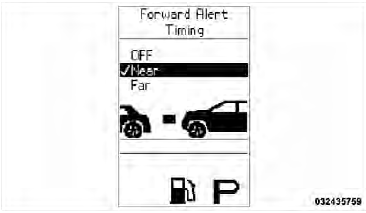
Example Only
Changing the FCW status to “Off” prevents the system from warning you of a possible collision with the vehicle in front of you.
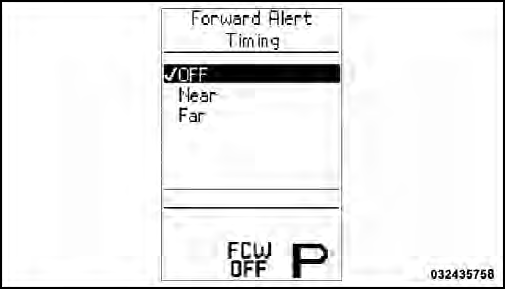
Example Only
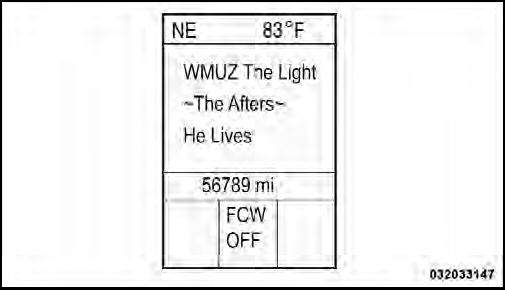
FCW Off Example
• FCW will not react to irrelevant objects such as overhead objects, ground reflections, objects not in the path of the car, stationary objects that are far away, oncoming traffic, or leading vehicles with the same or higher rate of speed.
• FCW will be disabled like ACC below with the unavailable screens.
Test yourself
A quick Jeep Grand Cherokee quiz: every answer comes with an explanation and a link to the manual page.