Understanding your instrument panel
Station List Menu
In this manual: Understanding your instrument panel
~1min read
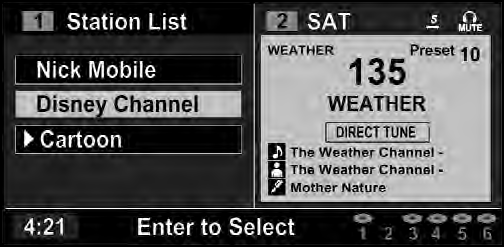
Channel Selection Menu For SIRIUS Backseat TV™
When listening to Satellite audio, pressing the remote control’s MENU button displays a list of all available channels. Navigate this list using the remote control’s navigation buttons (  ,
 ) to find the desired station, press the remote control’s ENTER button to tune to that station. To jump through the list more quickly, navigate to the Page Up and Page Down icons on the screen.
Test yourself
A quick Jeep Grand Cherokee quiz: every answer comes with an explanation and a link to the manual page.
Was this page helpful?