Driving your vehicle
LCD display messages
In this manual: Driving your vehicle
~1min read
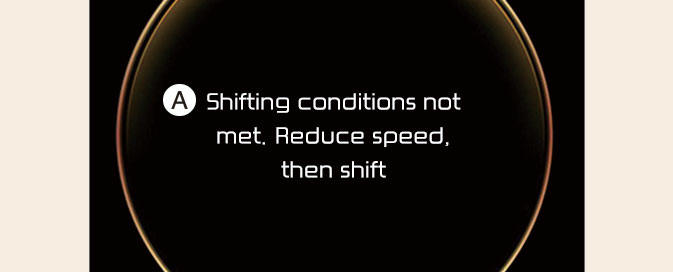
A: Shifting conditions not met. Reduce speed, then shift
- When driving speed is too fast to shift the gear.
- When the gear is shifted while the vehicle is in Utility mode.
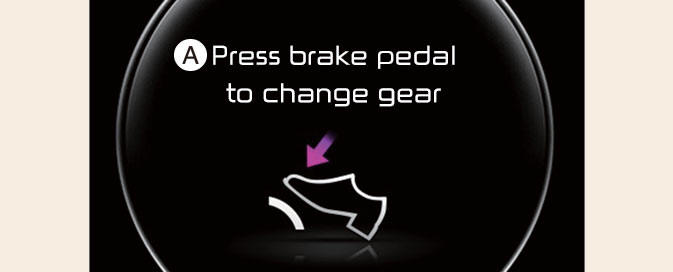
A: Press brake pedal to change gear
- When the brake pedal is not depressed while shifting the gear.
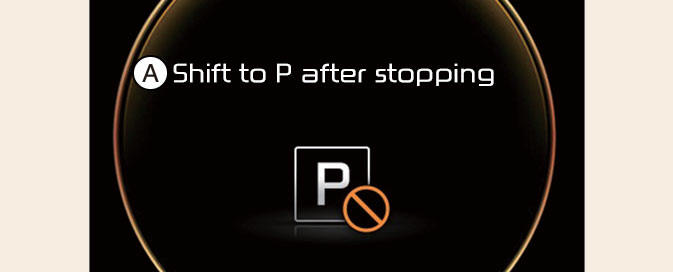
A: Shift to P after stopping
- When the gear is shifted to P (Park) while the vehicle is moving.

A: This gear is already selected
- When the selected gear button is pressed again
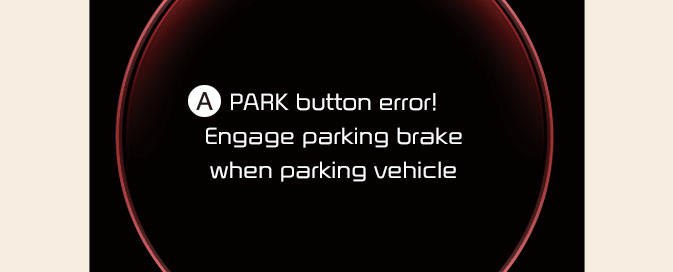
A: PARK button error! Engage parking brake when parking vehicle
- When there is a problem with function engaging P (Park) position.
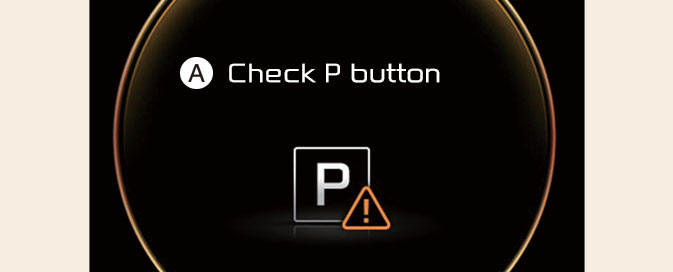
A: Check P button
- When there is problem with the P button.

A: Check rotary gear shift dial
- When there is problem with the shift dial.
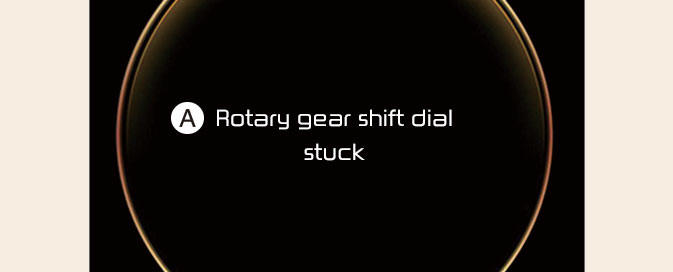
A: Rotary gear shift dial stuck
- When the shifter dial is continuously stuck or there is problem with the shifter dial.
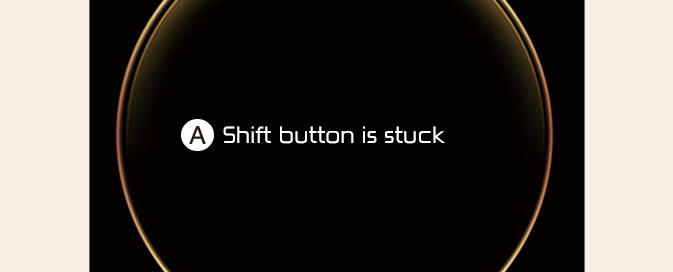
A: Shift button is stuck
- When the shift button is stuck.
Was this page helpful?