Features of your vehicle
Vehicle settings (infotainment system)
In this manual: Features of your vehicle
2steps
~12min
1/5difficulty
Done 0 of 2
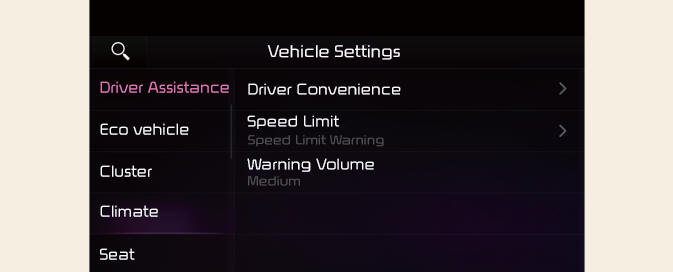
- Press the Settings button on the head unit of the infotainment system.
- Select Vehicle and change the setting of the features.
Vehicle Settings in the infotainment system provides user options for a variety of settings including door lock/unlock features, convenience features, driver assistance settings, etc.
Vehicle Settings
- Driver Assistance
- Eco Vehicle
- Head-Up Display
- Cluster
- Climate
- Seat
- Lights
- Door
- Convenience
WARNING
Do not operate the Vehicle Settings while driving. This may cause distraction resulting in an accident.
NOTICE
The information provided may differ depending on which features are applicable to your vehicle.
INFORMATION
The infotainment system may change after software updates. For more information, refer to the manual provided in the infotainment system and the quick reference guide.
Driver assistance settings (infotainment system)
(Kia Niro EV only)
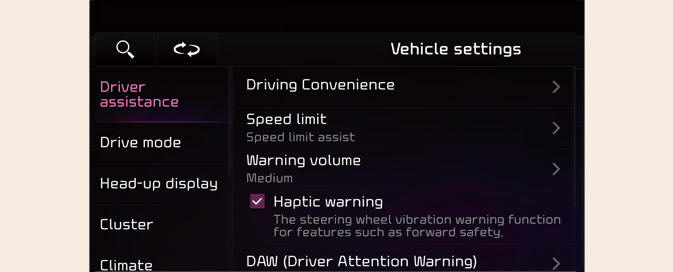
Select Settings → Vehicle → Driver assistance on the infotainment system screen to set the Driver Assistance function.
Driver assistance
- Driving convenience
- Speed limit
- Warning volume
- Haptic warning
- DAW (Driver Attention Warning)
- Driving safety
- Parking safety
Was this page helpful?