Navigation operation
Registering preset destinations
In this manual: Navigation operation
~1min read
1 Press the “DEST” button.
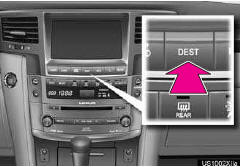
2 Touch one of the preset destination buttons.
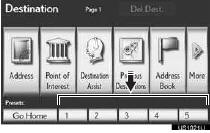
A preset destination can be set to any preset destination button that has not yet been set.
3 Touch “Yes”.
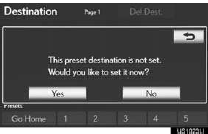
4 There are 4 different methods to search preset destinations.
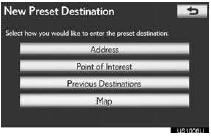
5 Touch “Enter”.
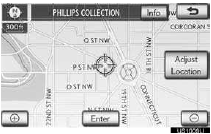
The “Edit Preset Destination” screen is displayed.
6 Touch “OK”.
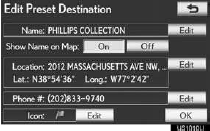
Registration of preset destinations is complete.
Preset destinations can also be registered by touching “Navigation” on the “Setup” screen. The name, location, phone number and icon can be changed. The registered points can be used on the “Destination” screen.
Test yourself
A quick Lexus LX quiz: every answer comes with an explanation and a link to the manual page.
Was this page helpful?