Interior Features
Basic Operation Method
In this manual: Interior Features
6steps
~36min
2/5difficulty
Done 0 of 6
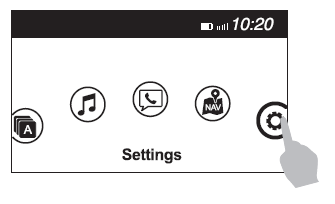
TOUCH & TAP
- Touch or tap on the item indicated on the screen.
- The operation is launched and the next item is displayed.
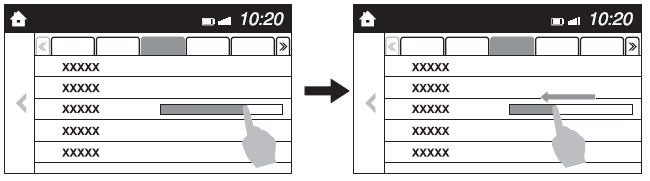
SLIDE
- Touch the setting item displaying a slider bar.
- Touch the slider with your finger and move to the desired level.
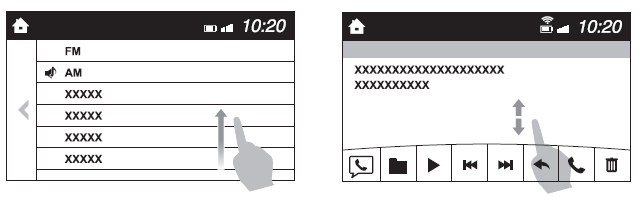
SWIPE
- Touch the screen with your finger and move up or down.
- Items which were not displayed can be displayed.
Return to previous screen
- Touch the
 .
Displaying the home screen
- Touch the
 .
Test yourself
A quick Mazda 3 quiz: every answer comes with an explanation and a link to the manual page.
Was this page helpful?