Operation
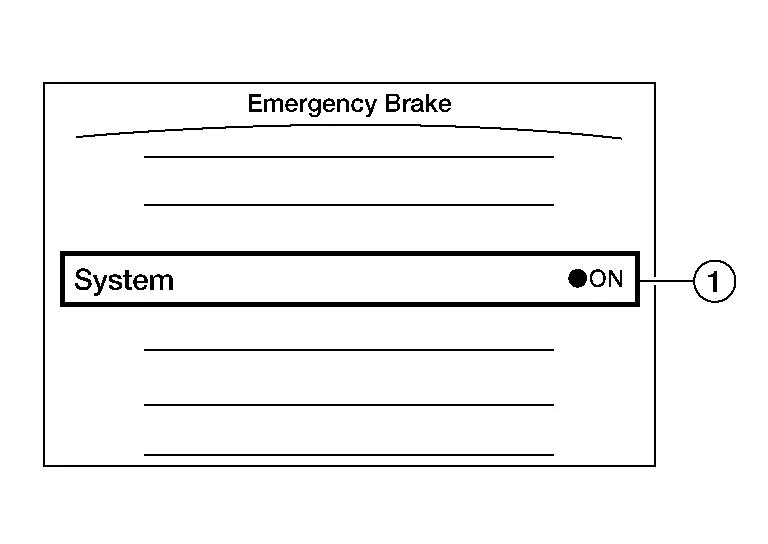
| No. | Switch name | Description |
|---|---|---|
 |
AEB system setting screen (Integral switch settings screen) |
The setting of AEB/I-FCW system can be switched between ON and OFF |
SYSTEM DISPLAY
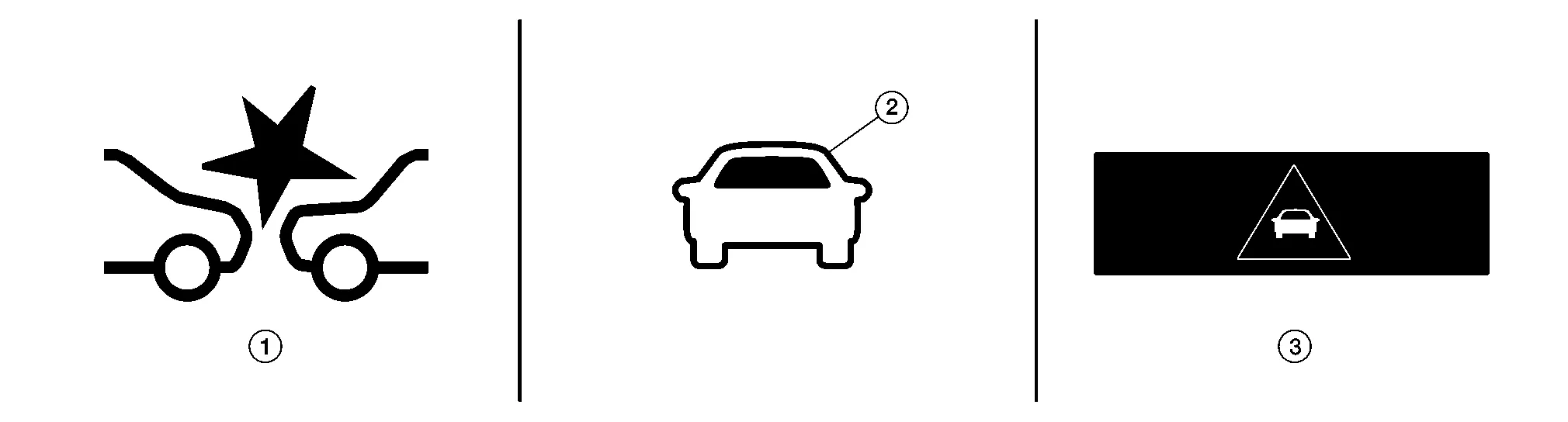
| No. | Switch name | Description |
|---|---|---|
|
AEB warning lamp |
|
 |
Nissan Murano Vehicle ahead indicator |
|
 |
AEB warning | Displays immediately before the harder brake operates |
DISPLAY AND WARNING
| System status | Condition | Display on combination meter | AEB warning lamp | Buzzer |
|---|---|---|---|---|
| AEB/I-FCW OFF | — | — | OFF | — |
| AEB/I-FCW ON | System ON | 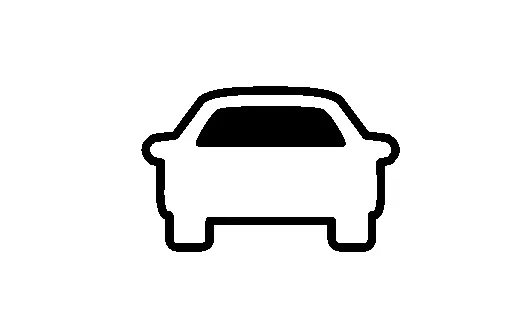 |
ON | — |
AEB/I-FCW system malfunction |
The AEB/I-FCW system is automatically canceled. |
Malfunction See Owner's Manual | ON | Beep |
| Condition | Action | Display on combination meter | AEB warning lamp | Chime |
|---|---|---|---|---|
| There is a possibility of a collision with the Nissan Murano vehicle ahead. |
|
 |
FLASHING | Beep |
| An obstacle ahead is avoided due to the system applying braking. | Operates brake (Emergency) | 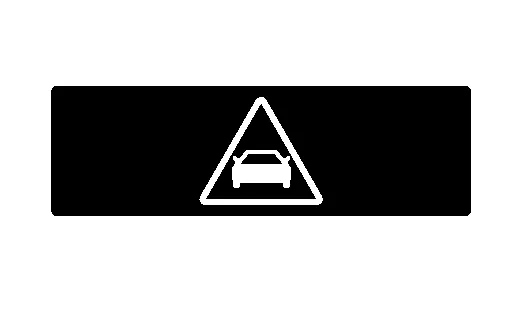 |
ON | Continuous beeps |
| Dirt around the distance sensor | The AEB system is automatically canceled. |
Forward Driving Aids Temporarily Disabled Front Sensor Blocked See Owner's Manual |
Blink | — |
Unavailable Front Radar Obstruction |