Audio
Folder selection
In this manual: Audio
~1min read
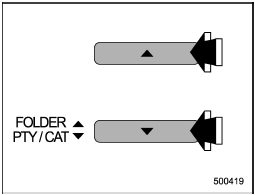
Type A and B audio
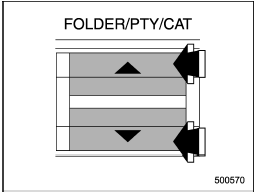
Type C audio
Press the “ ” side of the “FOLDER/PTY/ CAT” button briefly to select the next folder. Press the “
 ” side of the button briefly to go back to the previous folder.
For type A and B audio, the folder title will be shown each time you press one of the buttons.
• Only MP3/WMA/AAC folders are recognized when an attempt to select the next or previous folder is made. If no appropriate folder exists on the disc, pressing the “” or “” side of the “FOLDER/PTY/CAT” button starts playback beginning with the first track/file.
Test yourself
A quick Subaru Impreza quiz: every answer comes with an explanation and a link to the manual page.
Was this page helpful?