Audio
Ejecting a CD from the player
In this manual: Audio
~1min read
Of the discs loaded, you can select and remove only one disc.
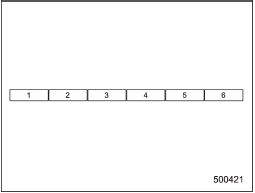
Disc select buttons
1. Use the disc select button to select the disc to be ejected.

2. Briefly press the “ ” button. The selected disc will be ejected. The disc number indicator will flash at this time.
When you remove the ejected disc, the disc number indicator will turn off.
To remove more discs in succession, repeat steps 1 and 2.
Test yourself
A quick Subaru Impreza quiz: every answer comes with an explanation and a link to the manual page.
Was this page helpful?