7- speed dual clutch gearbox 0CW
Removing and installing cover for parking lock
In this manual: 7- speed dual clutch gearbox 0CW
~1min read
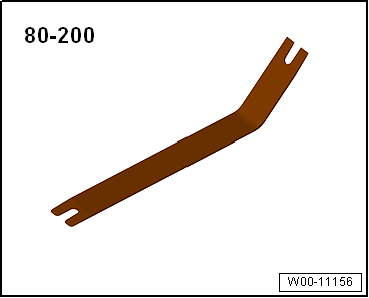
Special tools and workshop equipment required |
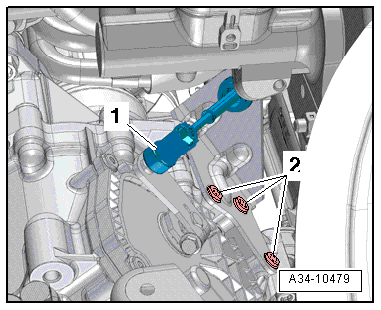
Removal lever -80 - 200-RemovingGearbox is installed.Selector lever positioned in »P«.Golf, Golf Estate, Golf SV, only diesel engine:Remove air filter housing → Rep. gr.23.Continued for all vehicles:
|
 |
Disregard bolts -2-. |
 |
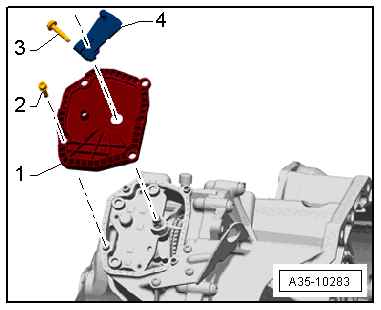
InstallingCover for parking lock must be renewed if seal for selector shaft or seal on cover for parking lock is leaking.
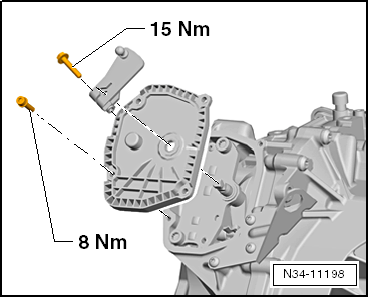
Continue installation in reverse order of removal.
|
 |
Specified torque settings: |
 |
Test yourself
A quick Volkswagen Golf quiz: every answer comes with an explanation and a link to the manual page.
Was this page helpful?