At a glance
Auxiliary window
In this manual: At a glance
~1min read
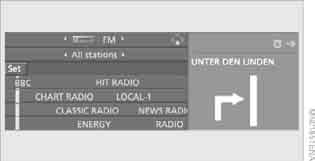
The auxiliary window displays additional information:
► on-board computer or trip computer data
► direction arrow or route map if the navigation system is installed
► current location
Selecting an indication
1. Move the controller right to switch to the auxiliary window and press it.
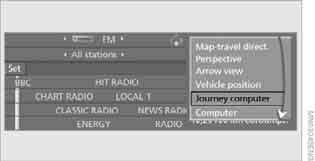
2. Select the desired item in the menu.
3. Press the controller.
Switching the auxiliary window on and off
1. Move the controller right to switch to the auxiliary window and press it.
2. Select "Exit assist. window" (switch off) and press the controller.
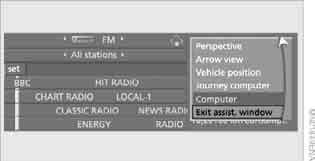
To open the auxiliary window again, switch to it and press the controller.
Test yourself
A quick BMW X3 quiz: every answer comes with an explanation and a link to the manual page.
Was this page helpful?