Scan playback of tracks: scan
Short excerpts of all tracks on the selected CD are played one after another automatically.
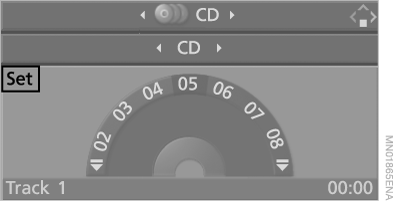
1. Select “Set” and press the controller.
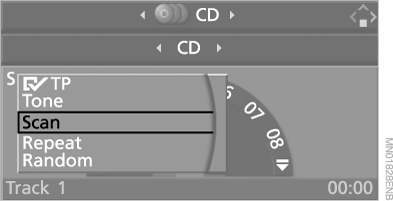
The following menu items appear on the screen.
2. Select "Scan" and press the controller.
Stopping the scan:
1. Press the controller.
2. Select "Scan" and press the controller.
Scan stops. Playback continues from this point.
Compressed audio files
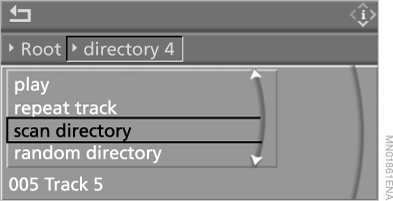
1. Select a track and press the controller.
2. Select the menu item:
► "Scan directory" to listen to excerpts of the files in the current directory, and press the controller;
► "Scan all" to listen to excerpts of all tracks on the CD, and press the controller.
Stopping the scan:
1. Press the controller.
2. Select "Scan directory" or "Scan all" and press the controller.
Scan stops. Playback continues from this point.
Test yourself
A quick BMW X5 quiz: every answer comes with an explanation and a link to the manual page.