Electrical
Removal and Installation - Cellular Antenna Cable
In this manual: Electrical
19steps
~114min
4/5difficulty
Done 0 of 19
Removal
Telematics Control Unit (TCU) to Body Harness Cable
- Remove the floor console.
Refer to: Floor Console (501-12 Instrument Panel and Console, Removal and Installation). - Remove the bolt and disconnect the electrical connectors.
Torque: 40 lb-in (4.5 N·m)
- Remove the bolt, disconnect the electrical connectors and remove the TCU and bracket assembly.
Torque: 40 lb-in (4.5 N·m)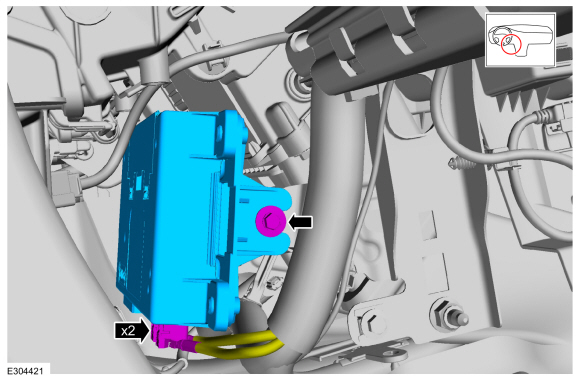
- Disconnect the cellular phone antenna cable connector.
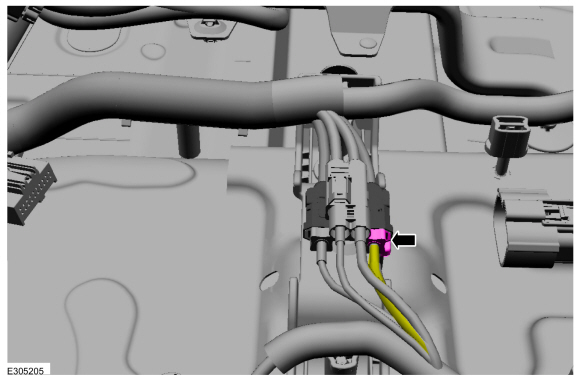
Body Harness Cable
- Remove the front door sill trim panels.
Refer to: Front Door Sill Trim Panel (501-05 Interior Trim and Ornamentation, Removal and Installation). - Remove the front seats.
Refer to: Front Seat (501-10A Front Seats, Removal and Installation). - Remove the floor console.
Refer to: Floor Console (501-12 Instrument Panel and Console, Removal and Installation). - Remove the left cargo area trim panel.
Refer to: Cargo Area Trim Panel (501-05 Interior Trim and Ornamentation, Removal and Installation). - Remove the seat belt buckles.
Refer to: Front Seat Belt Buckle (501-20A Seat Belt Systems, Removal and Installation). - Lower the headliner.
Refer to: Headliner - Lowering (501-05 Interior Trim and Ornamentation, Removal and Installation). - Position the carpet on the floor to gain access.
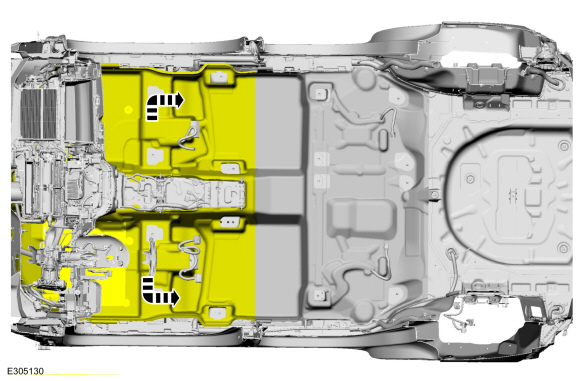
- Disconnect the cellular phone antenna cable connector.

- Disconnect the satellite/GPS antenna connector.
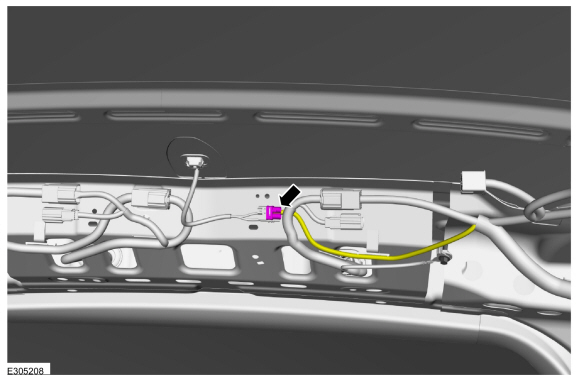
Installation
Telematics Control Unit (TCU) to Body Harness Cable
- Cut the end of the cellular antenna cable.

- Disconnect the cellular phone inline connector.

Install the new coaxial cable.- Route the new cellular phone antenna cable, as shown in the illustration.
- If necessary, secure the new cellular phone antenna cable to prevent NVH concerns.
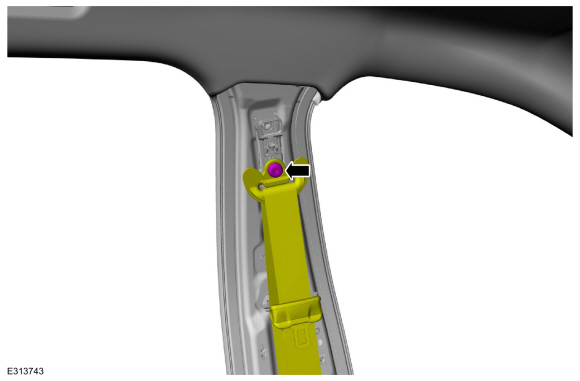
Body Harness Cable
- Cut the end of the cellular antenna cable.
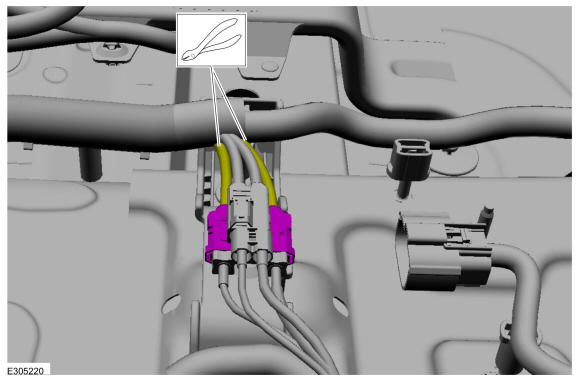
- Cut the end of the satellite/GPS antenna connector.

Install the new coaxial cable.- Route the new cellular phone antenna cable, as shown in the illustration.
- If necessary, secure the new cellular phone antenna cable to prevent NVH concerns.

All Cellular Antenna Cables
- To install, reverse the removal procedure.
Test yourself
A quick Ford Escape quiz: every answer comes with an explanation and a link to the manual page.
Was this page helpful?