Second generation (2007-2026)
Using Voice Control
In this manual: Second generation (2007-2026)
~1min read
When you see  in this manual,
voice commands are available for that feature.
 “A”).
Use spelling assist (e.g., say

“Alpha” to enter the letter “A” or
 “Hyphen” to enter a hyphen).
The system beeps if you say an unavailable (grayed out) letter or number.
If a voice command is not recognized, a list is displayed with possible options.
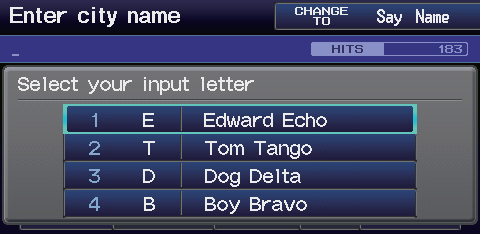
On list screens: ►Say the number of the list item (e.g., say
“Five” to select item 5). ► Say d “Up” or
“Previous” to scroll up one page.
►Say d “Down” or “Next” to scroll
down one page.
Test yourself
A quick Honda Fit quiz: every answer comes with an explanation and a link to the manual page.
Was this page helpful?