Second generation (2007-2026)
Storing Your Home Address
In this manual: Second generation (2007-2026)
~1min read
1 Press the INFO button.

2 Select Setup.
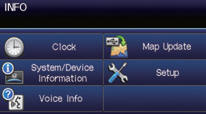
3 Select Personal Information.
4 Select Home Address 1.
5 Select Edit Name.
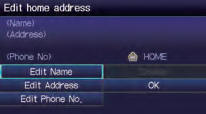
6 Enter a name and select OK.
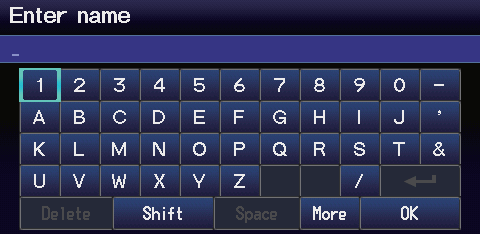
7 Select Edit Address. 8 Select Address. 9 Enter an address.
10 Select Edit Phone No.
11 Enter a phone number and select OK.
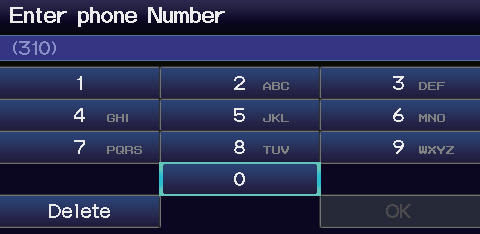
12 Select OK.
Test yourself
A quick Honda Fit quiz: every answer comes with an explanation and a link to the manual page.
Was this page helpful?