Body (Interior and Exterior)
Rear Bumper Cover
In this manual: Body (Interior and Exterior)
9steps
~54min
2/5difficulty
Done 0 of 9
Components and Component Location
Component Location
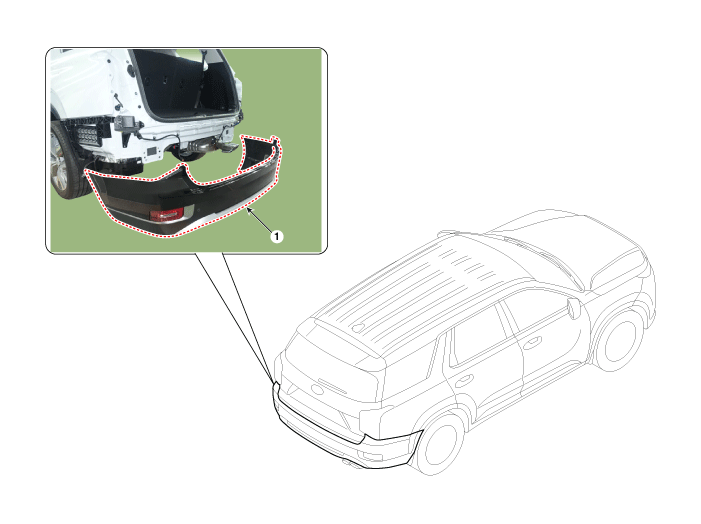
| 1. Rear bumper cover |
Repair Procedures
Replacement
|

|

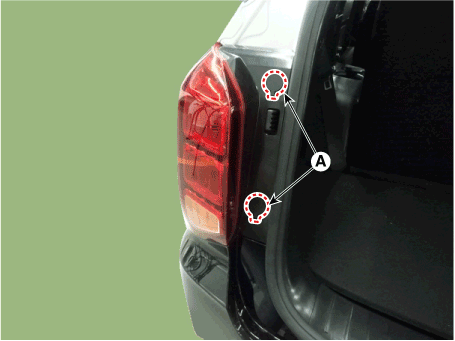
- Using a flat-tip screwdriver or a pry tool, remove the rear combination lamp cover (A).
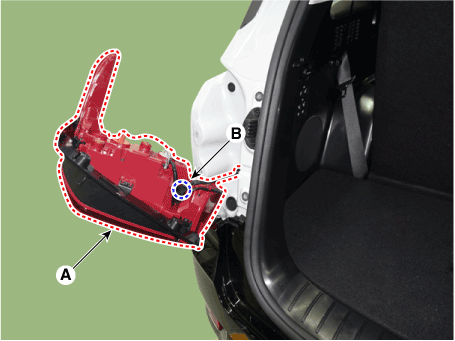
- Remove the rear combination lamp (A) and disconnect the connector (B).
- Loosen the rear bumper mounting clips.
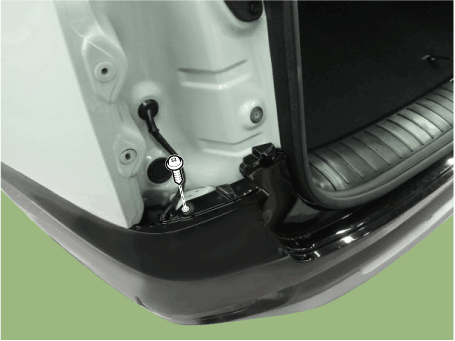
- Loosen the mounting screws and the side clip of the rear bumper (A), then disconnect the side part of the rear bumper.

- Be careful not to damage the protrusions on the side of the rear bumper.
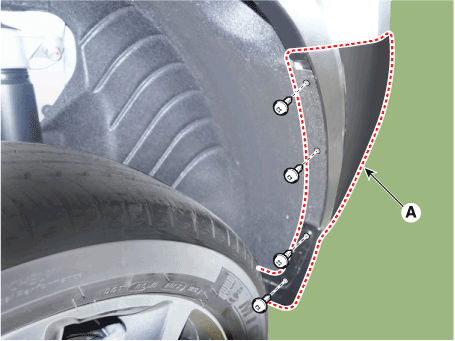
- Remove the rear bumper mounting bolts. [Right]
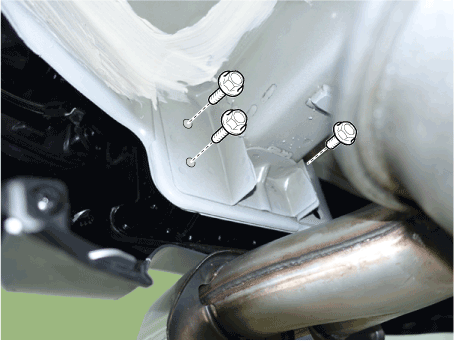
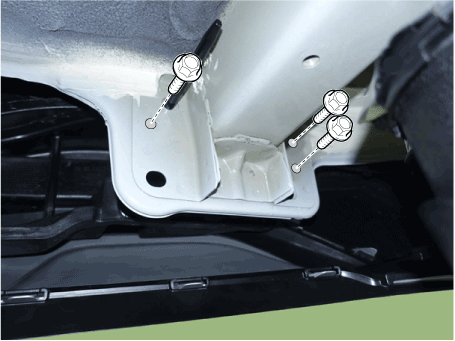
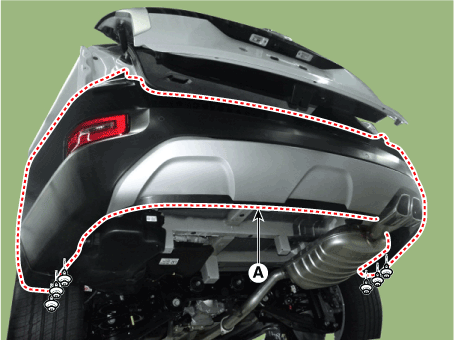
- Loosen the retaining clips and remove the rear bumper cover (A).
- Press the stopper pin and disconnect the BSD connector (A).
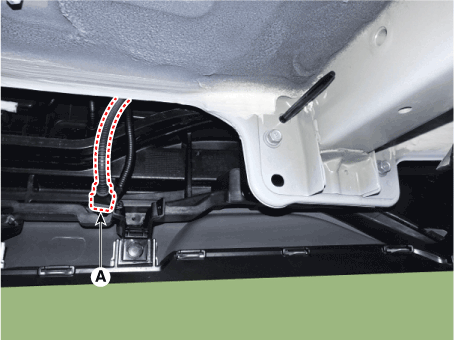
- Press the stopper pin and disconnect the main connector (A) of the rear bumper.
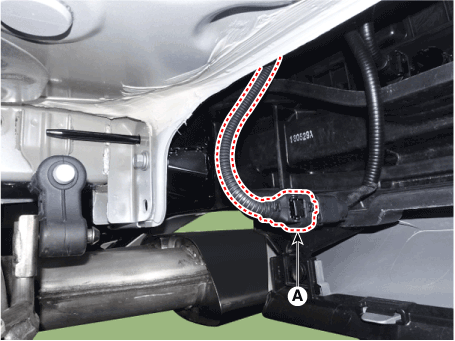
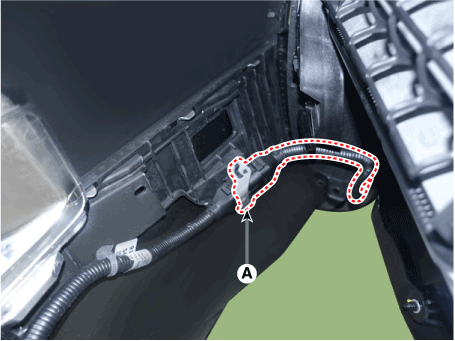
- To install, reverse the removal procedure.

- Make sure the connector is properly connected.
- Replace any damaged clips (or pin-type retainers).
Test yourself
A quick Hyundai Palisade quiz: every answer comes with an explanation and a link to the manual page.
Was this page helpful?