Body Electrical System
Transmitter Repair Procedures
In this manual: Body Electrical System
22steps
~132min
5/5difficulty
Done 0 of 22
Inspection
- Make sure the red indicator blinks when the door lock or unlock button on the transmitter is pressed.
- If the red indicator does not blink, remove the battery and check the voltage.
Standard voltage: 3 V
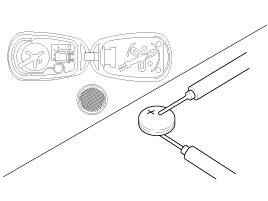
- Insert the battery (A) into the tester (09954-2P100).
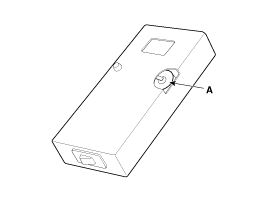
- Press the check button. If "0.00" is displayed on the screen, the battery voltage is 2 V or less.
- If "L" is displayed on the screen, the battery is discharged and must be replaced.
- To prevent electrical discharge, turn off the power to the tester.
- If the voltage is low, replace the transmitter battery with a new one. Then try to lock and unlock the doors using the transmitter by pressing the lock or unlock button five or six times.
- If the doors lock and unlock, the transmitter is normal. If the doors do not lock or unlock, register the transmitter code, then try to lock and unlock the doors.
- If the doors lock and unlock, the transmitter is normal. If the doors do not lock or unlock, replace the transmitter.
Transmitter Code Registration (Using Code Saver)
- Open the door.
- Connect POWER (B+) and GND, and the Code Saver signal line.
- If the connection is normal, the signal line is activated and the RED LED turns on.
- If the Code Saver software is on, data will be transmitted through the signal line.
- The BCM enters code saving mode when it receives data from the code saver device and sends the code saving start signal through the signal line.
- The Code Saver turns on the GREEN LED when it receives the code saving start signal.
- When you press the lock or unlock button on the transmitter, the BCM saves the codes.
- If there are 2 transmitters to save codes, register them by performing step 7).
- If the Code Saver software is turned off or disconnected, the Code Saver mode will end.
Transmitter Code Registration (Using GDS)
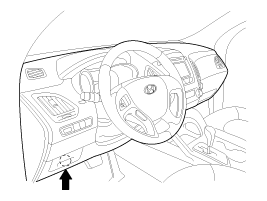
- Connect the GDS DLC cable to the data link connector (16-pin) on the lower driver's side instrument panel, then turn on the GDS.
- Select the vehicle model, then perform "CODE SAVER".
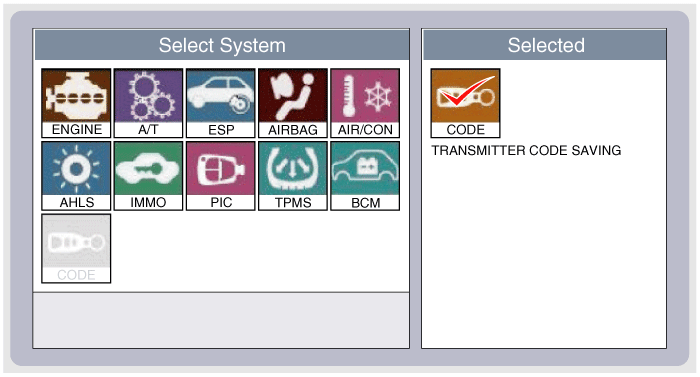
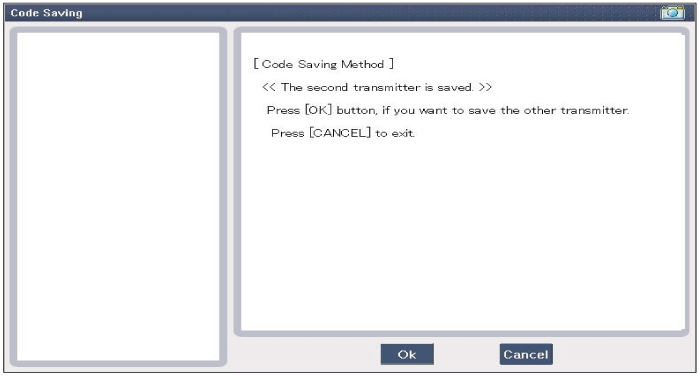
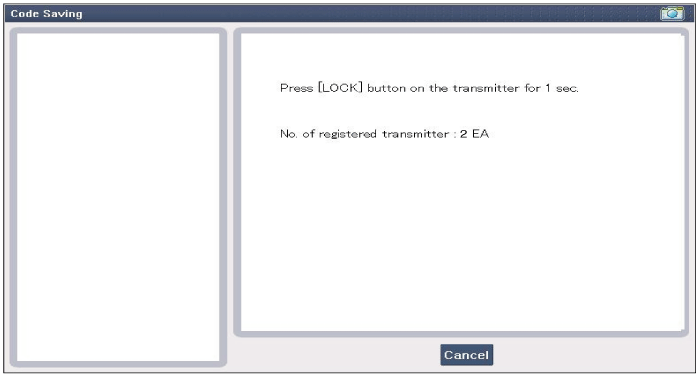
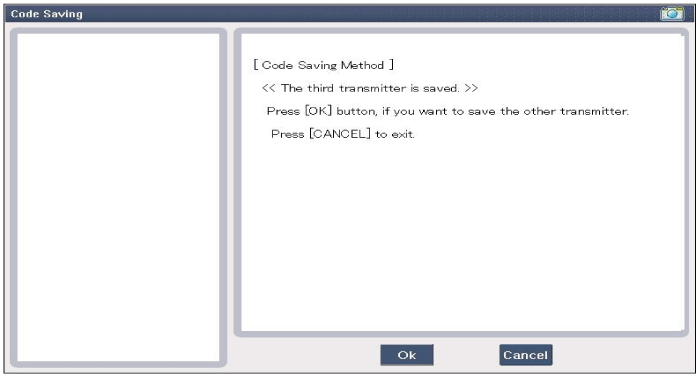
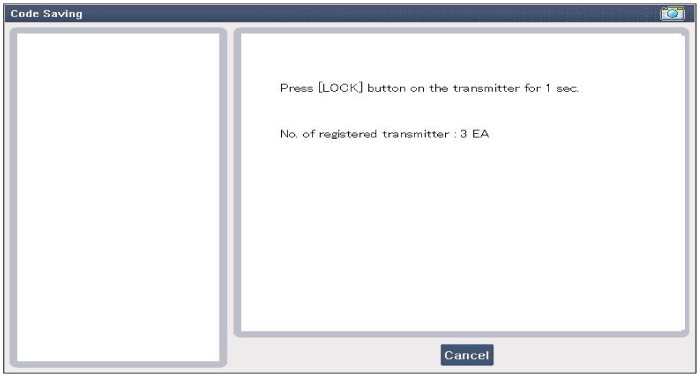
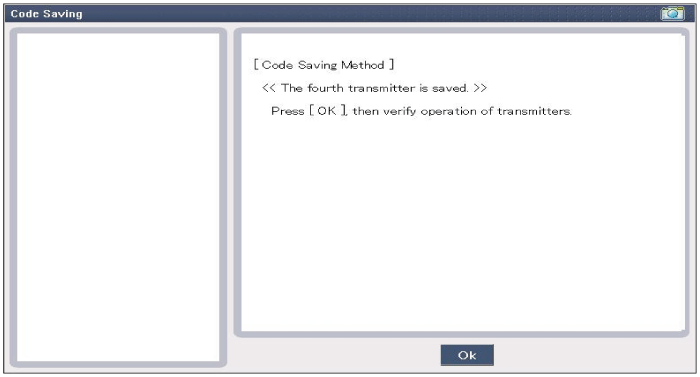
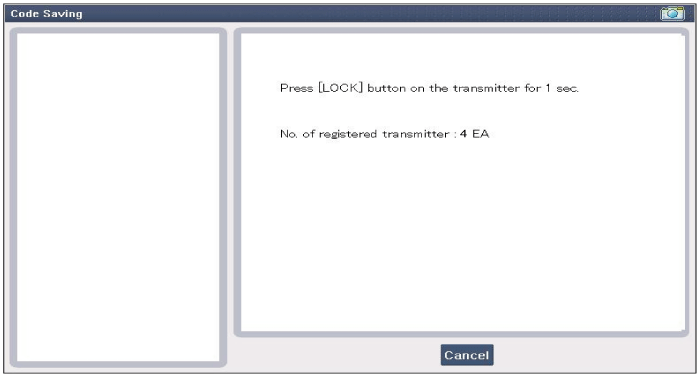
- After selecting the "CODE SAVER" menu, press the "ENTER" button. The screen shown below will appear.
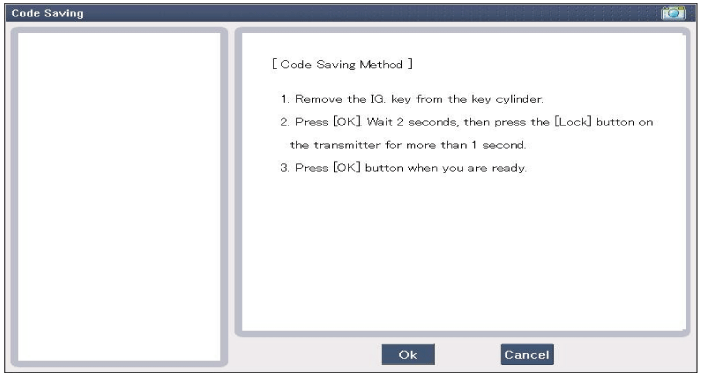
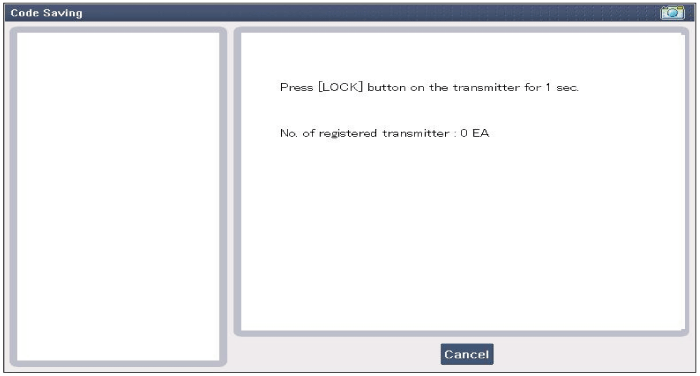
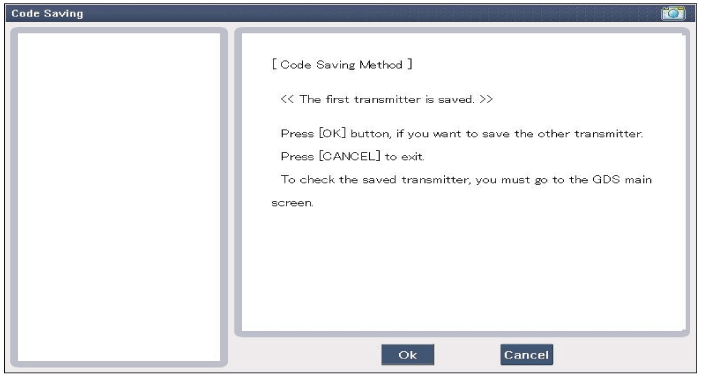
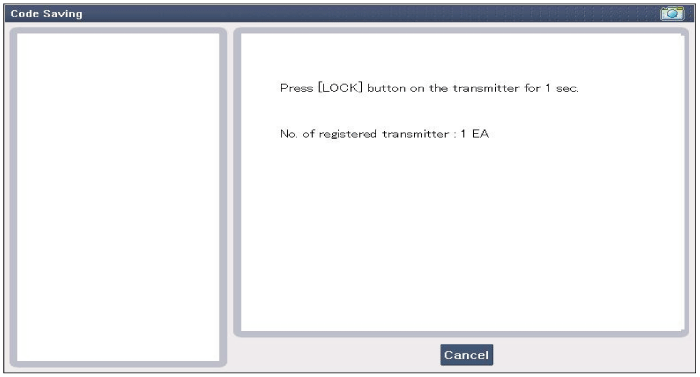
- After removing the ignition key from the key cylinder, press the "ENTER" key to move to the next code saving mode. Perform steps 1 through 4. Code saving is then complete.
Test yourself
A quick Hyundai Tucson LM quiz: every answer comes with an explanation and a link to the manual page.
Was this page helpful?