Audio/video system
Using the radio
In this manual: Audio/video system
~1min read
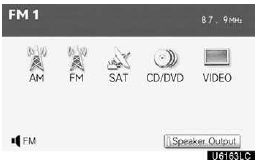
Select radio mode on the source screen to display the control screen.
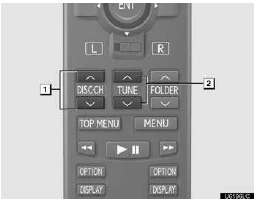
1. Selecting a preset station
2. Tuning the station
Selecting a preset station
Push “  ” or “
 ” of “DISC·CH” until the desired station band appears on the screen.
Tuning the station
Push “ ” or “ ” of “TUNE” until the desired station appears on the screen.
Push “ ” or “ ” of “TUNE” and the stations will be searched automatically one after another.
Test yourself
A quick Lexus GX quiz: every answer comes with an explanation and a link to the manual page.
Was this page helpful?