Setup
Deleting call history
In this manual: Setup
~1min read
You can delete the call history.
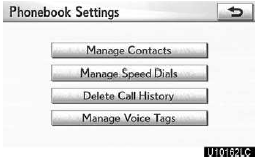
1. Touch “Delete Call History”.
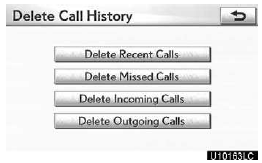
2. Select the desired history to delete.
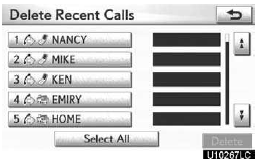
3. Select the desired data or touch “Select All”, then touch “Delete”.
You can select multiple data and delete them at the same time.
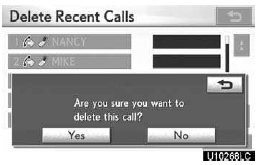
4. Touch “Yes”.
You can also delete the call history in the following way.
1. Push the “INFO/PHONE” button.
2. Touch “Phone”.
3. Touch “Call History”.
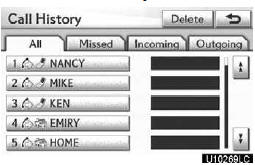
4. Touch “Delete”.
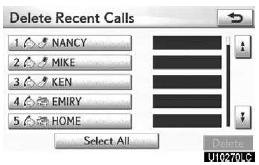
5. This screen is displayed.
The following operations are the same as the operation when you operate it from the “SETUP” button.
You can similarly operate other call history.
Test yourself
A quick Lexus GX quiz: every answer comes with an explanation and a link to the manual page.
Was this page helpful?