Setting and deleting destinations
ADDING DESTINATIONS
Destinations can be added and routes can be searched again.
1 Touch “Route”.
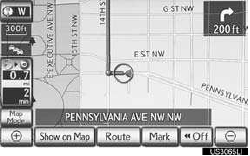
2 Touch “Add”.

3 Input an additional destination in the same way as a destination search.
4 Touch the desired “Add Destination Here” to insert the new destination into the route.
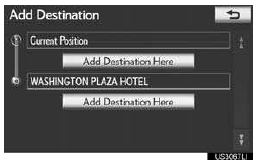
REORDERING DESTINATIONS
When more than 1 destination is set, the arrival order of the destinations can be changed.
1 Touch “Route”.
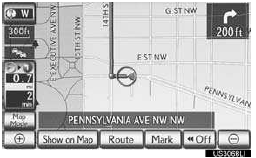
2 Touch “Reorder”.
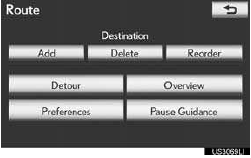
3 Touch the desired destination and touch “Move Up” or “Move Down” to change the arrival orde
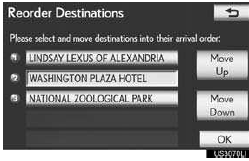
4 Touch “OK”.
5 After selecting the destinations, touch “OK”.
•The system searches for the guidance route again, and displays the entire route.
DELETING DESTINATIONS
A set destination can be deleted.
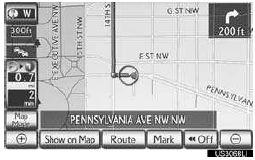
1 Touch “Route”.
2 Touch “Delete”.
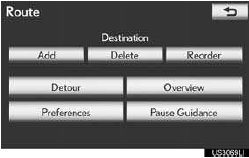
•When more than 1 destination is set, a list will be displayed on the screen.
3 Touch the destination to be deleted.
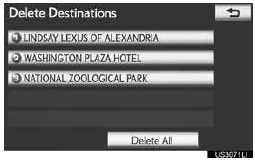
“Delete All”: Touch to delete all destina- tions on the list.
•A message appears to confirm the request to delete.
4 Touch “Yes” to delete the destination(s).
• If “Yes” is touched, the data cannot be recovered. If more than 1 destination has been set, the system will recalculate the route(s) to the set destination(s) as neces- sary.
• If “No” is touched, the previous screen will be displayed.
Test yourself
A quick Lexus LX quiz: every answer comes with an explanation and a link to the manual page.