Drive information
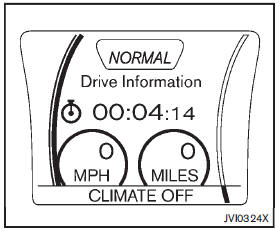
While in the Drive mode, push the Drive information button to display elapsed time, average speed and trip distance. Pressing the Drive information button a second time will display the G (gravity)-Force screen.
Elapsed time
The elapsed time shows the time since the last reset.
Average speed (km/h or MPH)
The average speed shows the average vehicle speed since the last reset.
Trip distance (km or MILES)
The trip distance shows the distance driven since the last reset.
To reset the elapsed time, average speed and trip distance, push the ENTER button for more than one second. All three drive information displays will reset at the same time.
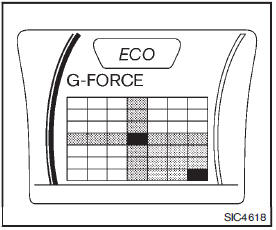
G-Force screen
The G (gravity)-Force screen displays the current acceleration and deceleration (front-torear) and cornering (side-to-side) G-Force on the vehicle.