Disc Brake Rotor
INSPECTION
Appearance
Check surface of disc brake rotor for uneven wear, cracks or damage. Replace if any abnormal conditions exist.
Runout
Check the wheel bearing axial end play before the inspection. Refer to Inspection.
Secure the disc brake rotor to the wheel hub and bearing assembly with wheel nuts at two wheel nut locations.
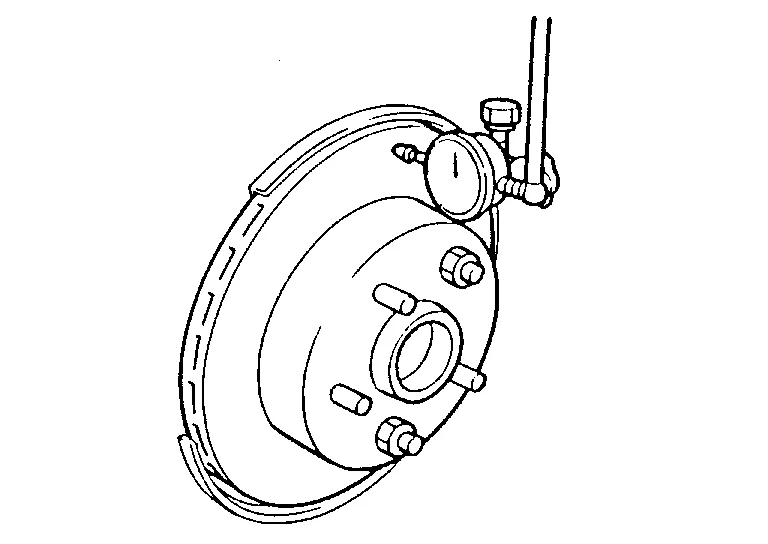
Inspect the runout with a dial gauge, measured at 10 mm (0.39 in) inside the disc edge.
| Runout (with it attached to the Nissan Murano vehicle) | : Refer to Front Disc Brake. |
Find the installation position with a minimum runout by shifting the disc rotor-to-wheel hub and bearing assembly installation position by one hole at a time if the runout exceeds the limit value.
Refinish the disc brake rotor if the runout is outside the limit even after performing the above operation. When refinishing, use Tool.
| Tool number | : 38-PFM92 ( — ) |
| Wear thickness | : Refer to Front Disc Brake. |
Thickness
Check the thickness of the disc brake rotor using a micrometer. Replace the disc brake rotor if the thickness is below the wear limit.
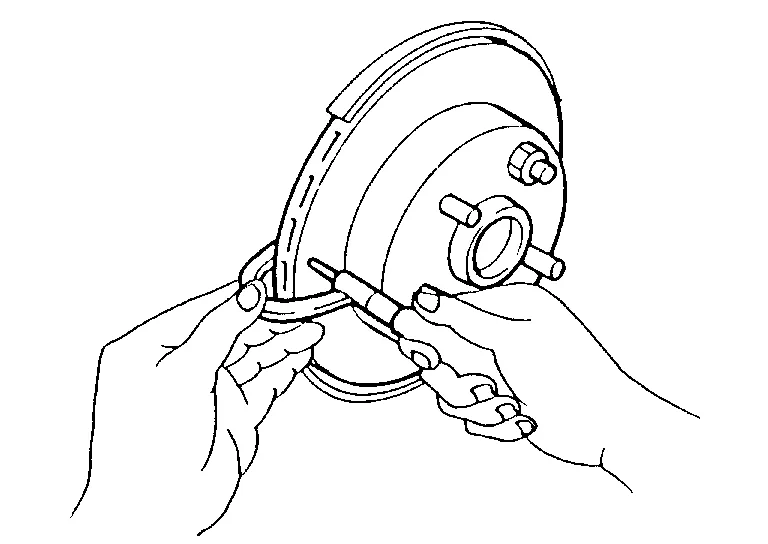
| Wear thickness | : Refer to Front Disc Brake. |
ADJUSTMENT
Drive the vehicle on straight, flat road.
Depress the brake pedal until the vehicle stops.
Release the brake pedal for a few minutes to allow the brake components to cool.
Repeat steps 1 to 3 until pad and disc rotor are securely seated.