Steering wheel audio control (if equipped)
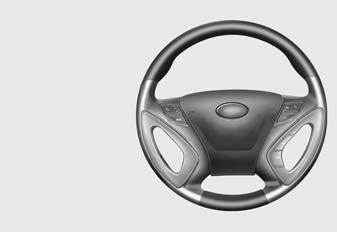
The steering wheel may incorporate audio control buttons.
CAUTION
Do not operate audio remote control buttons simultaneously.
1. VOLUME (VOL+/-)• Push the lever upward (+) to increase the volume.
• Push the lever downward (-) to decrease the volume.
2. PRESET/SEEK ( /
 ) The SEEK/PRESET button has different
functions based on the system mode. For the following functions the button should be pressed for 0.8 second or more.
RADIO mode
It will function as the AUTO SEEK select button.
CD/USB/iPod mode
It will function as the FF/REW button. If the SEEK/PRESET button is pressed for less than 0.8 second, it will work as follows in each mode.
RADIO mode
It will function as the PRESET STATION buttons.
CD/USB/iPod mode
It will function as TRACK UP/DOWN button.
3. MODE
Press the button to change audio source. - FM(1~2)➟AM➟SAT(1~3)➟CD➟USB AUX(iPod) FM...
Detailed information for audio control buttons are described in the following pages in this section.
Test yourself
A quick Hyundai Sonata LF quiz: every answer comes with an explanation and a link to the manual page.