Navigation
Interrupting/resuming destination guidance
In this manual: Navigation
~1min read
With arrow view or map
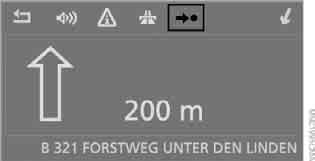
Select the icon and press the controller.
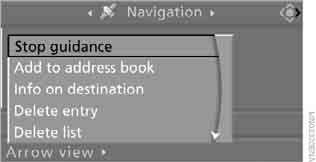
In the destination list
Symbol marks the current destination.
1. Select the current destination and press the controller.

2. Select “Stop guidance” and press the controller.
If the selected destination was not reached by the end of the previous trip, the following prompt appears at the start of the next trip:
“Continue guidance?”
Destination guidance starts automatically after a short time.
To start destination guidance immediately, select “Yes” and press the controller.
Test yourself
A quick BMW X3 quiz: every answer comes with an explanation and a link to the manual page.
Was this page helpful?