Audio-navigation system
Receiving Calls
In this manual: Audio-navigation system
~1min read
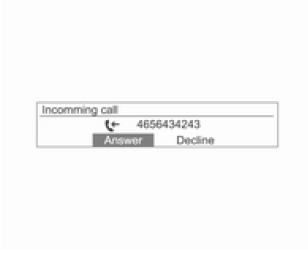
If a call comes in to a mobile phone connected via Bluetooth, playback of the current track will be interrupted, the phone ringtone will sound, and call information will appear on the display.
Caution The ability to transfer the ringtone depends on the mobile phone.If the ringtone volume is too low, adjust it on the mobile phone.
To answer a call, press the talk button on the steering wheel, or turn the MENU-TUNE knob to select Answer, then press the MENU-TUNE knob.
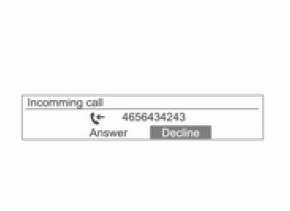
- To reject a call, press the Mute/End button on the steering wheel, or use the MENU-TUNE knob and select Reject.
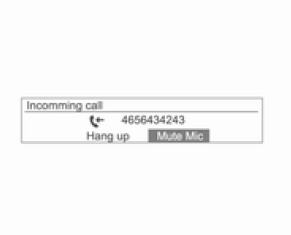
- During a call, you can stop sound transmission by selecting Mute Microphone with the MENU-TUNE knob.
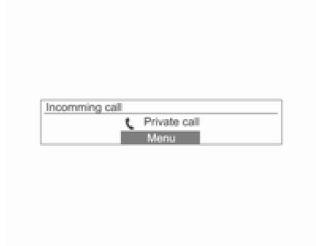
- During a call, press and hold the talk button on the steering wheel to switch to handset mode (some phones do not support this mode).
- When a call is answered via the audio-navigation system and Bluetooth, some mobile phones do not switch automatically to handset mode. This depends on the functions offered by the specific mobile phone.
- If your network operator offers conference calling, you can set up a conference call during an active call via the audio-navigation system.
- The information shown during a conference call may differ from the actual information.
Test yourself
A quick Chevrolet Aveo quiz: every answer comes with an explanation and a link to the manual page.
Was this page helpful?