Audio-navigation system
Redial
In this manual: Audio-navigation system
~1min read
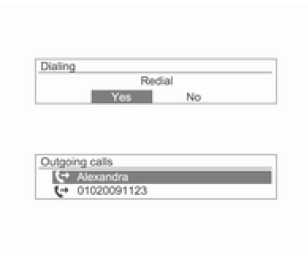
Press the talk button on the steering wheel to display the redial screen, or press and hold this button to display the caller list.
Turn the MENU-TUNE knob to select Yes or a contact, then press the MENU-TUNE knob or the talk button to make the call.
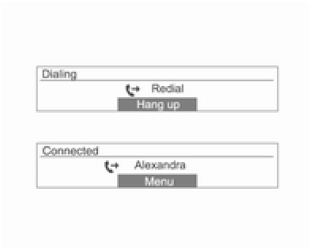
- If the mobile phone is not in standby mode, the redial function may not be available. This depends on the options of the specific mobile phone.
- When redialing, the number of the connected phone will not be displayed.
- Depending on the mobile phone, a call may be placed via the received or missed call history function instead of the redial function. This depends on the options of the specific mobile phone.
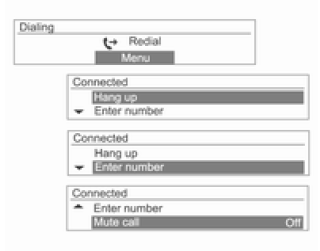
When the phone is connected, press the MENU-TUNE knob to display the dialing functions shown above.
Use the MENU-TUNE knob to select a function from the displayed menu.
During a call, press and hold the talk button on the steering wheel to switch to handset mode.
Test yourself
A quick Chevrolet Aveo quiz: every answer comes with an explanation and a link to the manual page.
Was this page helpful?