Gauges and Indicators
Clock
In this manual: Gauges and Indicators
~1min read
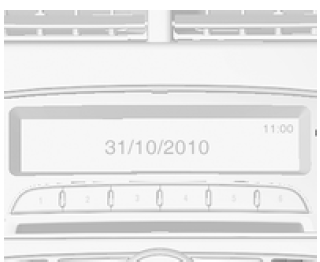
The time and date are shown on the display of the audio navigation system.
Various settings for the displayed time and date can be adjusted.
Audio Navigation System
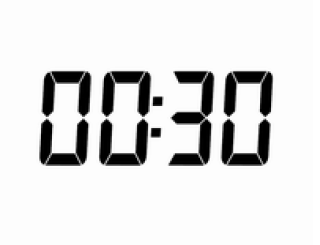
If the vehicle is not equipped with an audio navigation system, the time is shown in the instrument cluster.
To display the time, press the reset button in the instrument cluster.
To set the time, press and hold the reset button while the time is displayed.
To increase the hour/minute value: briefly press the reset button.
To confirm the hour/minute value: press and hold the reset button.
(Press and hold: longer than 2 seconds; brief press: less than 2 seconds.)
Test yourself
A quick Chevrolet Aveo quiz: every answer comes with an explanation and a link to the manual page.
Was this page helpful?