Automatic Temperature Control
When the FATC system is operating in automatic mode, you only need to set the desired temperature.
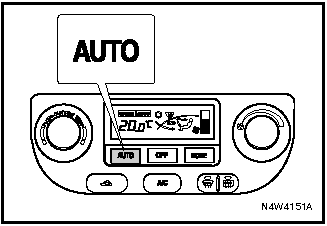
AUTO Button When the AUTO button is pressed, the cabin temperature is automatically controlled to maintain the set temperature.
The system automatically controls the air distribution mode, fan speed, air conditioning and recirculation mode.
The AUTO mode indicator is illuminated on the display panel.

To Set the Desired Temperature Turn the temperature control knob until the desired temperature appears on the display.
Clockwise: The desired temperature increases by 0.5 °C.
Counterclockwise: The desired temperature decreases by 0.5 °C.
The desired temperature can be set within the range from 18 °C to 32 °C.
When the desired temperature is set to “HI” (maximum) or “Lo” (minimum), the fan will continue to run at the highest speed even after this temperature is reached.
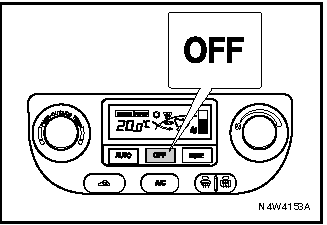
To turn the system off, press the OFF button.
Test yourself
A quick Chevrolet Lacetti quiz: every answer comes with an explanation and a link to the manual page.