USB Charger
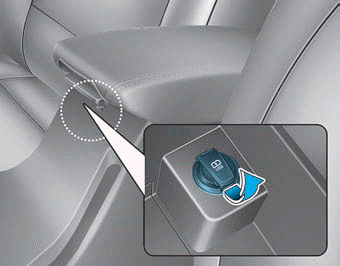
The USB charger is located inside the console box between the driver's seat and the front passenger's seat. Insert the USB charger into the USB port and recharge the smartphone or tablet PC.
A charging status/charging complete message is displayed on the screen of the smart device, phone or tablet PC.
The smartphone or tablet PC may become warm during charging. This does not indicate any malfunction of the charging system.
A smartphone or tablet PC using another charging method may not charge properly. In this case, use the dedicated charger for your device.
This USB charging port does not allow you to play media files on the AVN device. To connect media to the AVN device, use the USB port in the multibox and follow the steps in Chapter 4 - Multimedia.
Test yourself
A quick Hyundai Elantra AD quiz: every answer comes with an explanation and a link to the manual page.