Smart Shift on Trip Computer
Select the trip computer mode ( ) on the instrument cluster LCD and go to the Smart Shift screen. The driver can then see the selected drive mode, which automatically switches to SMART mode.
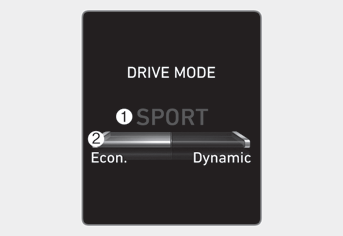
The drive mode selected by the driver (1) and the driving style indicator (2), showing the driver's driving style, are displayed on the screen.
SMART Mode Driver Style Gauge
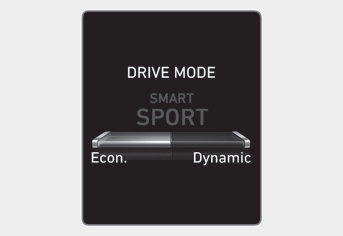
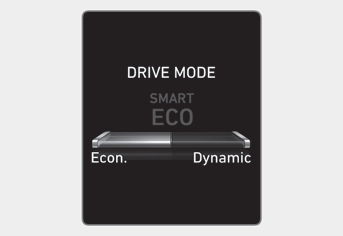
With a standard driving style, the needle is in the center; the left side of the gauge is "Econ." and the right side is "Dynamic."
When the left side of the driver style gauge fills and after a certain period of time, SMART ECO mode is automatically activated. When the right side of the gauge is filled and a sporty driving condition is detected, SMART SPORT mode is activated.
To maintain SMART ECO mode for fuel economy, keep the left side of the gauge filled.
Test yourself
A quick Hyundai Elantra CN7 quiz: every answer comes with an explanation and a link to the manual page.